Budgeting for a vacation is all fun and games. However, you might start sweating over how many gigabytes it takes to find a decent taco spot. Choosing between a tiny 1GB plan or a pricey unlimited one feels like a trap. Thankfully, the 5GB option sits comfortably in that golden middle ground for most travelers.
A 5GB data plan typically lasts about 5 to 7 days for the average traveler. It is perfect for navigation and updates on your esim iphone. This gives you a daily budget of 700MB to 1GB. That is plenty for Google Maps and endless WhatsApp chats. However, it is slightly risky if you plan on binge-watching sitcoms on the train.
Before clicking your settings, you should check if your iPhone is eSIM compatible. This ensures your device can actually use a digital plan. Here is a quick look at how that data holds up against your daily digital habits.
Breaking Down Your 5GB eSIM iPhone Data for Modern Travel Needs
A 5GB data plan is essentially a delicate balance between digital survival and luxury. You can easily find the local train station or send a thousand “wish you were here” texts without breaking a sweat. However, the moment you start treating your vacation like an afternoon on your home couch, your data will vanish faster than a cheap umbrella in a rainstorm.
Travel apps vary wildly in how they sip or gulp your resources. Understanding these differences helps you stretch your 5GB across your entire trip. If you focus on utilitarian tasks, your plan feels like a vast ocean, but if you prioritize entertainment, it becomes a tiny puddle.
Mapping and Messaging: The Data-Efficient Life
Basic navigation and communication are remarkably light on your 5GB bucket. Most travelers find that their phones sip data during these activities, making them the safest way to spend your digital allowance. Because Google Maps caches much of the road data, standard turn-by-turn navigation only uses about 3MB to 5MB every ten minutes.
Meanwhile, staying in touch with friends via WhatsApp is equally economical. A standard voice call uses roughly 40MB per hour, which is a steal compared to video chatting. You could spend nearly 125 hours on voice calls before hitting your 5GB limit.
- Google Maps: Uses roughly 30MB per hour for active driving directions.
- WhatsApp Messaging: Text and emojis use almost negligible amounts of data.
- Email: Refreshing your inbox for flight updates typically costs about 0.5MB per sync.
- Web Searching: A quick search for “best espresso near me” takes about 1MB to 2MB.

If you haven’t used this technology before, travelers should get your free esim now to test these low-data activities before your big flight. This allows you to witness how little data a quick map search actually consumes on your device. For those heading to the Far East, checking a guide to eSIM coverage in Asia can help you pick a plan that fits these efficient habits perfectly.
The Danger Zone: Video Streaming and Social Media
While maps and texts are your friends, video content is your greatest enemy when living on a 5GB budget. Social media apps are designed to be “sticky” by preloading content in the background before you even scroll to it. This “smart preloading” can burn through 800MB in a single hour of mindless scrolling on TikTok or Instagram Reels.
High-definition video is essentially a data firehose that can drain a 5GB plan in an afternoon. Because a single 4K video clip can be 100MB, scrolling past a dozen auto-playing videos in your feed can quietly evaporate your daily budget. You can find more tips on managing these settings in an iPhone eSIM activation guide to ensure your data stays where you want it.
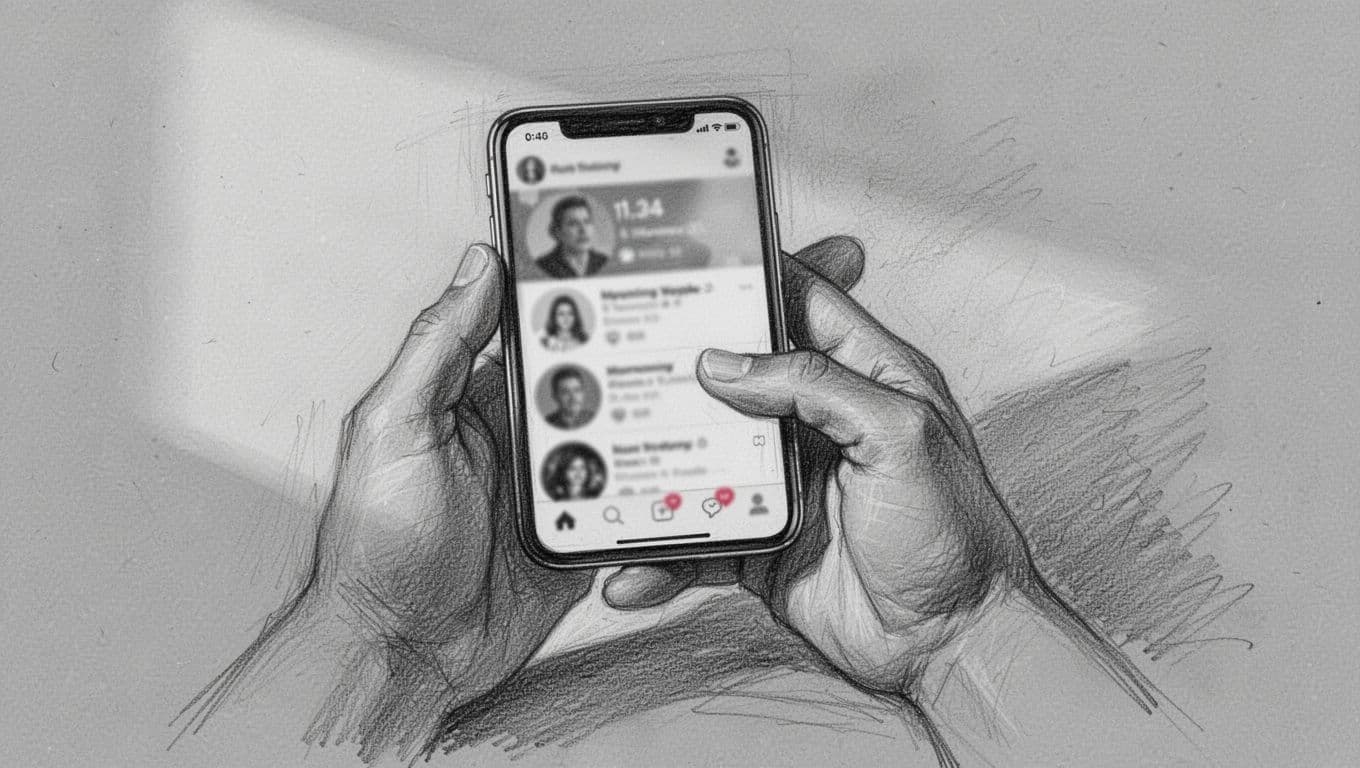
To protect your allowance, you must treat your phone like it’s on a strict diet. Many apps have a “Data Saver” mode that prevents high-res images from loading unless you tap them. Turning off auto-play in your social media settings is the easiest way to prevent unexpected data theft from your account.
- HD Video Streaming: Consumes up to 3GB per hour, nearly killing your plan in one sitting.
- Instagram/TikTok: Can use 600MB to 900MB per hour due to heavy video preloading.
- Photo Uploads: Posting high-resolution vacation photos can take 5MB to 10MB per image.
- Spotify: Streaming at high quality uses about 75MB per hour, which adds up on long train rides.
According to data usage analysis by Firsty, keeping your navigation to standard maps is much safer than switching to satellite view. Satellite imagery requires significantly more data to render the high-resolution photos of the terrain below. Stick to the basic map view to keep your 5GB surviving until your flight home.
4 Steps to Squeeze Every Drop Out of Your esim iphone Plan
Managing a 5GB limit feels like trying to carry water in a sieve if you leave your standard settings on. Your phone is basically an eager puppy that wants to fetch every piece of the internet at once, even when you are just trying to find the nearest restroom. Because these devices are built for unlimited home connections, you have to manually teach your device some manners before you head out.
Making small tweaks to your esim iphone configuration can literally double the lifespan of your data plan. It’s about being the boss of your bandwidth rather than letting your apps treat your data bucket like an open bar. These four steps turn your phone from a data glutton into a disciplined travel companion.
Toggle Low Data Mode and Kill Background Refresh
The first thing you should do is find the “Low Data Mode” switch, which is basically the “I am on a budget” panic button for your device. While your phone usually loves to sync every blurry photo of your lunch to the cloud immediately, this setting tells it to chill out and wait for some free hotel Wi-Fi. It’s the most effective way to start managing multiple eSIM profiles on iPhone while keeping your costs down.
To turn this on, head over to your Cellular settings and select your active travel plan. You’ll see a toggle for Low Data Mode; flick it on and feel the immediate relief of your data being guarded. This simple move pauses automatic updates and background tasks that you don’t actually need while standing in line for a museum.

Next, you need to deal with Background App Refresh, which is the digital equivalent of apps secretly drinking your data behind your back. Even when you aren’t looking, apps like Facebook or LinkedIn are constantly “checking in” to see if anything new happened. Because this happens in the dark, you might lose hundreds of megabytes without ever opening the apps.
- Open your Settings app and tap on General.
- Find the Background App Refresh menu.
- Select “Off” or “Wi-Fi Only” to stop the horsing around.
- If you have issues after changing this, you can always learn how to reset eSIM on iPhone to get back to square one.
Lock Video Apps and Block Hidden Data Hogs
Video apps are the ultimate bandits of any 5GB plan. They are designed to feed you high-definition content the second you open them. For instance, you might accidentally tap a YouTube link while on the bus. Your phone will instantly try to stream it in 4K just because it can. To prevent this, go into the settings of apps like YouTube, Instagram, and TikTok. Ensure they are set to “Data Saver” or “Wi-Fi Only” for high-resolution content.
Stop Cloud Backups and Heavy Game Updates
Many users find that checking the official Apple cellular data guide helps them locate hidden toggles. You should also take a moment to disable cellular access for your cloud backups and hefty mobile games. There is no reason for your phone to download a 2GB update for a puzzle game. This is especially true while you are wandering through a historic plaza.
Track and Control Your Real-Time Data Usage
By scrolling down in your Cellular settings, you can see exactly how much each app has consumed. You can easily flick the switch to “Off” for unnecessary apps. Keep it on only for things that help you find a taxi or translate a menu. This manual gatekeeping ensures your esim iphone only uses data for the things that actually matter. It will save both your data budget and your sanity.
- Cloud Backups: Turn off iCloud Drive and Photos over cellular so your data doesn’t evaporate during a photo session.
- App Store Updates: Disable automatic downloads in the App Store settings to avoid surprise gigabyte-sized updates.
- Wi-Fi Assist: This feature is a “traitor” that uses cellular data when your Wi-Fi is weak; turn it off at the bottom of the Cellular menu.
- Offline Maps: Download your destination city in Google Maps before you leave the hotel to navigate for free.
If you haven’t secured your connection yet, you should get your free esim now and practice these settings before you land. Most travelers find that after following these steps, a 5GB plan feels like plenty for a week-long journey. For more detailed protection, you can explore the official Apple cellular data guide. This page shows you every hidden toggle. This way, you can easily find what might be draining your balance.
Your Travel Data Lifespan Tracker: The Ultimate 5GB Cheat Sheet
Navigating a new city with only 5GB of data is like being on a digital diet; you can’t just gorge on everything you see. This amount of data is a generous helping for a week-long getaway if you’re smart about your esim iphone habits. Because we often lose track of how many megabytes that “quick” scroll through social media actually eats, having a definitive guide helps keep your connection alive until you board your flight home.
Think of your 5GB as a stash of digital tokens you spend throughout the day. Some activities cost a single penny, while others are like buying a front-row ticket to a Broadway show. By knowing the cost of each digital move, you can prioritize finding that hidden sushi gem over watching cat videos in the back of a taxi.
The 5GB Data Performance Breakdown
Visualizing your data limits makes it much easier to avoid the dreaded “zero balance” notification halfway through your trip. Certain apps are surprisingly polite with your data, while others act like they’ve never seen a gigabyte they didn’t want to swallow whole. Because numbers can be boring, it helps to see how these common travel tasks stack up against your total 5GB bucket.
The data below shows roughly how much various activities will drain from your total allowance before you run out.
| Activity Type | Data Consumption | Total Lifespan on 5GB |
|---|---|---|
| GPS Maps | 12MB per hour | 400+ hours |
| WhatsApp Texts | 1MB per 1,000 texts | Tens of thousands |
| Travel Blogs | 50MB per hour | 100 hours |
| Instagram Reels | 720MB per hour | ~7 hours |
As you can see, you could basically live on Google Maps for your entire vacation and barely scratch the surface of your plan. However, spending just one long evening scrolling through video feeds could potentially wipe out your entire budget for the week. Most travelers find that 5GB is plenty long as they treat video content as a Wi-Fi only luxury.

Maximizing Your Digital Tokens for a 10-Day Trip
If you’re planning a ten-day adventure, your daily allowance sits at about 500MB per day. This is a sweet spot that allows for plenty of utility without feeling like you’re stranded in a digital desert. Research shows that how much data is needed for travel depends entirely on whether you leave your cloud syncing and video auto-plays active.
Staying under the 500MB daily cap is easy if you stick to the basics of travel survival. You can easily spend your morning checking train schedules, your afternoon finding local landmarks, and your evening looking up restaurant reviews. Because these tasks use static text and small images, they represent the most efficient use of your esim iphone resources.
- Use messaging apps for text-only check-ins to keep your usage near zero.
- Download the area map for your destination city while you’re still at the airport or hotel.
- Read text-heavy travel guides rather than watching video vlogs for your research.
- Limit your photo uploads to just one or two “greatest hits” per day until you’re back on Wi-Fi.
For those who are just starting out with digital plans, following a step-by-step Airalo iPhone setup can ensure your settings are correct from the moment you land. This prevents hidden background processes from chewing through your tokens while your phone is still in your pocket. Staying mindful of these small costs ensures your 5GB plan feels like an unlimited one.
Is a 5GB eSIM for iPhone Right for Your Trip?
Picking a data plan for a vacation can feel like playing a high-stakes round of “Will I Run Out in the Middle of Nowhere?” For many travelers, 5GB is that balanced middle ground that keeps you connected without overpaying. It’s the sweet spot for a typical five to seven day itinerary where you use your phone as a tool rather than a television.
If you don’t plan on spending your nights in a hotel lobby just to use the free internet, this size is a great fit. It offers enough room for the essentials while encouraging you to actually look at the scenery instead of your notification tray. Here is a breakdown of who shines best with this specific bucket of data on their esim iphone.
The One-Week Sightseer and The Wi-Fi Companion
The One-Week Sightseer is basically the ultimate candidate for a 5GB data plan. If your trip is under seven days, you have more than enough data to find every hidden taco shop or check the local train times without stress. Because your main goal is utility, your phone stays in your pocket until you actually need it for a task.
Meanwhile, the Wi-Fi Companion treats their esim iphone like a secondary backup. You likely use your hotel network for those morning emails and late-night social media updates. When you step outside, you only switch to your travel data for the heavy lifting of navigation and quick messages.
- The One-Week Sightseer: Uses about 700MB daily for maps, light browsing, and messaging.
- The Wi-Fi Companion: Lean on local networks for heavy tasks and only sip data when on the go.
- The Digital Detoxer: You specifically want to be reachable for emergencies but plan to ignore the noise of the internet.
- The Backup Specialist: Uses this plan as a safety net in case a meeting runs long or hotel Wi-Fi fails.

For a Digital Detoxer, 5GB feels like an endless supply because they aren’t tempted by the endless scroll. You might only check your bank app, confirm a flight, or tell your family you landed safely. If you fall into these categories, you should get your free esim now and enjoy a trip where you aren’t constantly hunting for a signal. Following traveler tips for saving data can make this 5GB feel like much more.
Conclusion
Managing an esim iphone plan is a powerful way to stay connected when you handle it with a little bit of care. While 5GB isn’t an infinite ocean of data, it is more than enough to act as your digital compass and communication hub. Because your phone is naturally hungry, you must keep an eye on your live data meters within the iOS settings to avoid any mid-trip surprises.
Checking your usage levels every day or two ensures you don’t accidentally burn through your entire balance on a single viral video. This simple habit keeps your digital life running smoothly while you focus on your actual surroundings.
Try to find a healthy balance between your screen and the world around you. Use your data to find the best local spots, then put the phone away to enjoy the view. If you are ready to start your next adventure, verify the iPhone eSIM compatibility list to see if your specific device is ready for a digital plan.
This post may contain affiliate links. If you make a purchase through these links, I may earn a small commission at no extra cost to you.