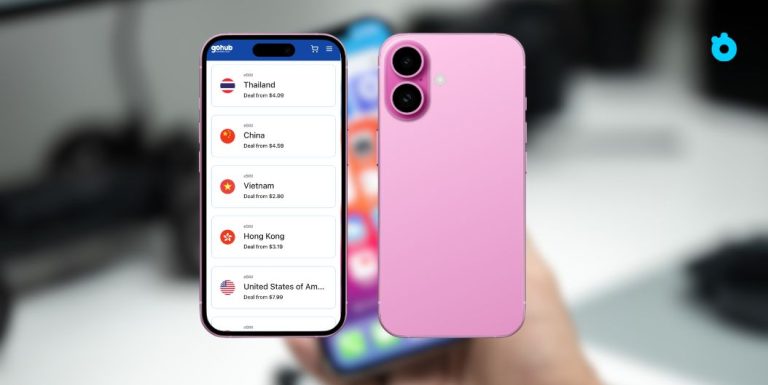
iPhone 16 eSIM support marks another step in Apple’s push toward a SIM-free future. In the United States, the iPhone 16 eSIM-only model ships without a physical SIM tray, while other regions still offer variants with nano-SIM slots. What’s exciting is that the dual eSIM iPhone 16 can keep two eSIMs active at once and store up to eight profiles, giving users more flexibility when switching carriers or traveling abroad. By 2025, over 500 mobile operators worldwide now support eSIM, making it easier than ever to adopt. In this guide, we’ll break down iPhone 16 eSIM features, what’s new with Apple’s eSIM-only approach, and how it impacts everyday users.
iPhone 16 eSIM Support: Key Features
Apple has steadily expanded eSIM capabilities across recent iPhone generations, and the iPhone 16 eSIM support brings more flexibility than ever. Here are the standout features:
1. Dual eSIM active
iPhone 16 allows you to keep two eSIMs active at the same time, so you can manage work and personal numbers without a physical SIM card.
2. Multiple eSIM profiles stored
You can store up to eight different eSIM profiles on a single device, switching between them easily when changing carriers or traveling.
3. eSIM-only model in the US
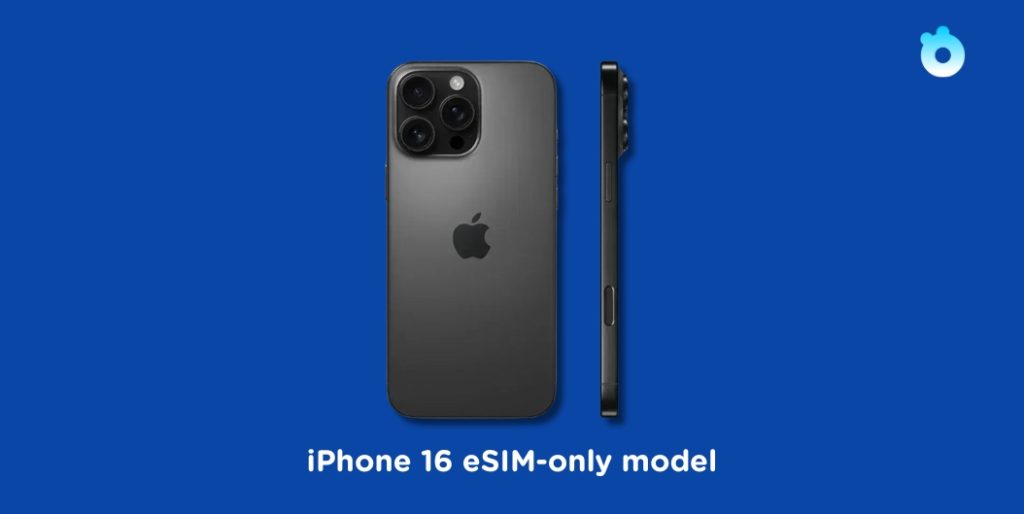
The iPhone 16 sold in the US is eSIM-only, meaning it has no SIM tray. In other markets, some versions still include a physical SIM slot for transition.
4. Improved carrier support
With over 500 operators worldwide backing eSIM by 2025, activation is smoother and more widely available than in earlier models.
👉 These features make the iPhone 16 one of the most travel-friendly and future-ready smartphones Apple has released.
iPhone 16 eSIM-Only vs SIM Tray Models
One of the biggest questions around iPhone 16 eSIM support is whether the device is completely eSIM-only. The answer depends on where you buy it:
1. United States: eSIM-only
The iPhone 16 eSIM-only model sold in the US has no SIM tray at all. You must activate the device with an eSIM. This continues the change Apple introduced with the iPhone 14 eSIM-only design in the US market.
2. Other regions: hybrid models
In many international markets, Apple still sells iPhone 16 versions with a nano-SIM tray plus eSIM support. This allows users to transition gradually, especially in countries where eSIM adoption is still growing.
3. Why Apple splits models
Apple adapts to carrier readiness. While eSIM is supported by more than 500 networks worldwide, some regions still rely heavily on physical SIM cards, so Apple keeps both options open outside the US.
👉 For buyers, it’s important to check which variant is sold in your country, especially if you still rely on a physical SIM.
What’s New in 2025: The eSIM-Only iPhone Air
While the iPhone 16 eSIM support shows Apple’s steady shift toward digital connectivity, the real game-changer in 2025 is the iPhone Air, Apple’s first global eSIM-only iPhone.
1. Ultra-thin design powered by eSIM
By removing the SIM tray, Apple freed up internal space, enabling a thinner, lighter design without compromising performance.
2. Global eSIM adoption
With 500+ carriers worldwide now supporting eSIM, Apple has confidence that users can activate devices digitally almost anywhere.
3. Regulatory challenges
The iPhone Air launch highlighted regional barriers: in China, the release was delayed due to pending government approval for eSIM technology. This shows that while Apple is leading the shift, some markets need time to catch up.
4. Implications for iPhone 16 users
The move to an eSIM-only model signals Apple’s long-term direction. Owners of the iPhone 16 can expect future devices to follow this path, making eSIM the universal standard.
👉 The iPhone Air confirms that Apple sees eSIM as the future of mobile connectivity — and the iPhone 16 is the stepping stone.
Carrier Compatibility and eSIM Setup on iPhone 16
The success of iPhone 16 eSIM support depends heavily on how well your carrier handles activation. By 2025, more than 500 carriers worldwide support eSIM, but availability still varies by country.
1. Check carrier support
Visit Apple’s official carrier support list or contact your operator to confirm if eSIM is available in your region.
2. Activating eSIM on iPhone 16
- Go to Settings → Cellular → Add eSIM.
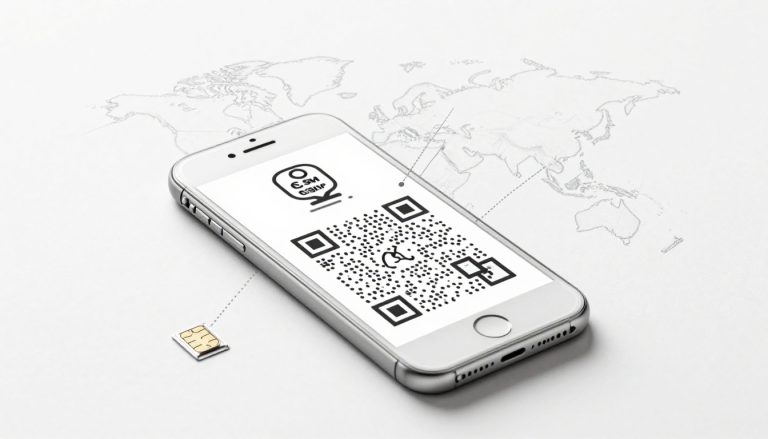
- Scan the QR code from your carrier, use carrier apps, or transfer an eSIM from another iPhone with Quick Transfer.
3. Managing multiple carriers
The dual eSIM iPhone 16 lets you keep two carriers active at once. You can set one line for data and the other for calls and SMS.
4. Roaming considerations
Some carriers allow eSIM roaming seamlessly, while others may limit SMS or charge extra. Always check roaming policies before traveling.
👉 With improved carrier compatibility, setting up an eSIM on iPhone 16 is faster and more reliable than ever, but checking local support is still essential.
Managing Dual eSIM on iPhone 16
One of the most practical upgrades in iPhone 16 eSIM support is the ability to run two active eSIMs at the same time. This feature is especially useful for professionals and frequent travelers.
1. Work and personal numbers
You can keep a personal line and a business line active on the same device, making it easy to separate calls, texts, and data usage.
2. Local SIM for travel
Keep your home eSIM active for calls and banking OTPs, while adding a local eSIM for cheaper data abroad.
3. Default line settings
Go to Settings → Cellular → Default Line to choose which eSIM handles calls, SMS, and data. You can also switch data usage to the local eSIM while keeping your main line for SMS.
4. Switching between stored eSIMs
iPhone 16 lets you store up to eight eSIM profiles, though only two can be active at once. Switching is instant through the Cellular settings.
👉 With dual eSIM, iPhone 16 users can stay connected across multiple networks without juggling physical SIM cards.
iPhone 16 vs Previous Models: How eSIM Evolved
Apple has been pushing eSIM technology since the iPhone XS, but the iPhone 16 eSIM support shows how far things have come:
1. iPhone XS to iPhone 13
Early models offered one physical SIM + one eSIM. Users could experiment with eSIM but still relied on the SIM tray for primary service.
2. iPhone 14 (US models)
Apple made a bold move by releasing the first eSIM-only iPhones in the US, removing the SIM tray entirely. This was the start of the eSIM-only era.
3. iPhone 15
Expanded dual eSIM support globally, but many markets still had SIM tray options for flexibility.
4. iPhone 16
Builds on this by offering dual eSIM active at once and the ability to store up to eight profiles, making it more practical for real-world use.
The US version remains eSIM-only, while international models may still include a SIM tray.
👉 Compared to earlier models, iPhone 16 makes eSIM more versatile and future-proof, bridging the gap between physical SIM reliance and a fully digital experience.
iPhone 16 eSIM for Travelers and Business Users
The iPhone 16 eSIM support isn’t just a technical upgrade — it’s a real advantage for people who travel often or juggle multiple numbers.
1. For travelers
- Add a local eSIM when you land abroad while keeping your home eSIM active for OTP codes and calls.
- No need to hunt for SIM cards at airports or swap trays — activation is instant through QR code or carrier apps.
2. For business users
- Manage work and personal lines on the same phone with dual eSIM active.
- Assign one line for calls and SMS, and another for data-heavy tasks like video meetings.
3. Cost savings and flexibility
- Store up to eight eSIM profiles for different countries or carriers, then switch as needed.
- Perfect for remote workers, digital nomads, or frequent flyers who want predictable costs and reliable service.
👉 Whether you’re traveling for leisure or managing multiple business lines, the iPhone 16 makes eSIM simple, flexible, and secure.
FAQs on iPhone 16 eSIM Support
1. Does the iPhone 16 support dual eSIM?
Yes. The dual eSIM iPhone 16 lets you keep two eSIMs active at the same time, ideal for work and travel.
2. How many eSIM profiles can I store on iPhone 16?
You can store up to eight eSIM profiles but only two can be active simultaneously.
3. Is the iPhone 16 eSIM-only everywhere?
No. In the United States, iPhone 16 is eSIM-only, but in many other regions, Apple still offers models with a physical SIM tray.
4. Can I receive SMS and OTP codes on an eSIM?
Yes, if your carrier plan includes voice and SMS. Data-only eSIMs cannot receive OTP codes or text messages.
5. Will my carrier support eSIM on iPhone 16?
By 2025, over 500 carriers worldwide support eSIM. However, you should confirm with your local carrier for full compatibility.
6. What if my eSIM is not working on iPhone 16?
Check default line settings, update iOS and carrier settings, or reinstall the eSIM profile. If issues persist, contact your carrier.
7. Will the iPhone 17 also be eSIM-only?
While Apple hasn’t officially confirmed, industry reports suggest that the iPhone 17 may expand eSIM-only models to more regions, following the same path as the iPhone 16 in the US. Users should expect wider eSIM adoption as carriers continue to phase out physical SIM cards.
Final Thoughts on iPhone 16 eSIM Support
The iPhone 16 eSIM support highlights Apple’s strong push toward a future without physical SIM cards. With dual eSIM active, the option to store up to eight profiles, and the eSIM-only model in the US, the iPhone 16 delivers more flexibility than any earlier iPhone. For travelers, it removes the hassle of swapping SIM trays, while business users can manage work and personal numbers more easily.
The arrival of the eSIM-only iPhone Air confirms that Apple is serious about going fully digital. With more than 500 carriers worldwide now supporting eSIM, the ecosystem is ready for this change. Looking ahead, iPhone 17 is expected to expand eSIM-only availability to more regions, making digital connectivity the new standard.
👉 If you are planning an upgrade, check your carrier compatibility and take advantage of the convenience eSIM provides. The iPhone 16 is not just another smartphone release, it is a clear preview of a SIM-free future.
Related Articles
- Free eSIM Service for iPhone – Discover trial and free eSIM offers to test network connectivity without upfront cost.
- How Many eSIMs Can iPhone 14–17 Have? – A breakdown of how many eSIM profiles can be stored and active on recent iPhones.
- Activating eSIM on iPhone – A step-by-step guide to getting your eSIM working, including tips to avoid activation errors.
- Can You Use an eSIM on a Locked iPhone? The Real Answer – How lock status affects eSIM use and what steps to take if your iPhone is locked.
- How to Receive SMS on eSIM iPhone – Tips and solutions for when your eSIM is activated but can’t receive SMS or OTPs.