iPhones are getting more advanced every year, and one of the most important changes is Apple’s shift to eSIM technology. More users now ask: how many eSIMs can the latest iPhones actually handle? This question isn’t just a technical detail—travelers, remote workers, and professionals juggling multiple numbers rely on eSIM flexibility daily.
According to GSMA Intelligence, the number of eSIM-enabled smartphones worldwide passed 2.8 billion in 2024, with Apple leading adoption through its eSIM-only iPhone models. On my own iPhone 15 Pro, I’ve tested storing five different eSIMs (US, UK, Japan, Vietnam, and a travel bundle) and found the experience seamless—though only two can be active at once.
In this guide, we’ll break down iPhone eSIM limits for models 14, 15, 16, and 17. You’ll learn how many profiles each can store, how many you can run at the same time, and what differences to expect between US and international versions.
(Updated September 2025. Actual limits may vary slightly depending on carrier and region. See Apple’s official eSIM support page for the latest details.)
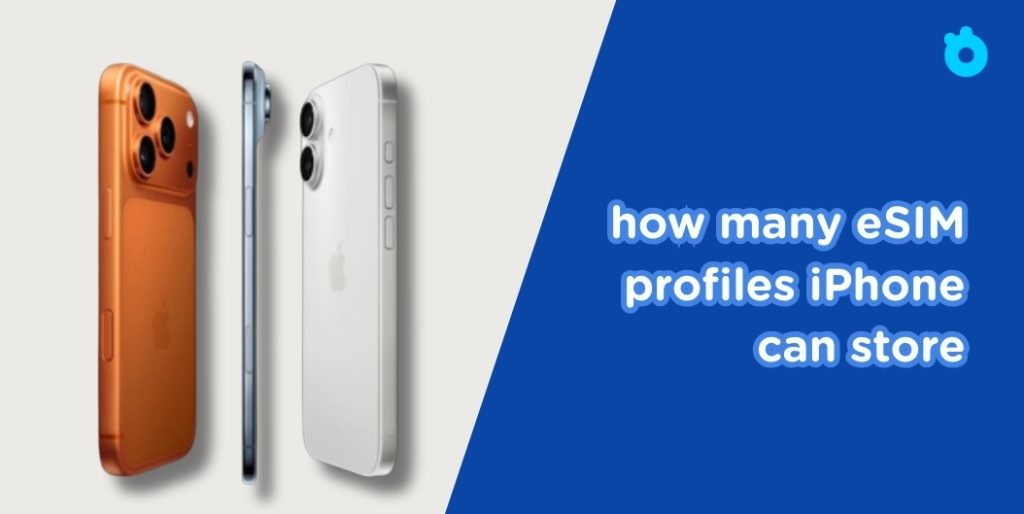
Quick Answer: eSIM Limits on iPhone 14, 15, 16, and 17
Apple has steadily improved eSIM support, but the core rule remains the same: you can store multiple profiles (≈8 on average), yet only use two active lines at the same time.
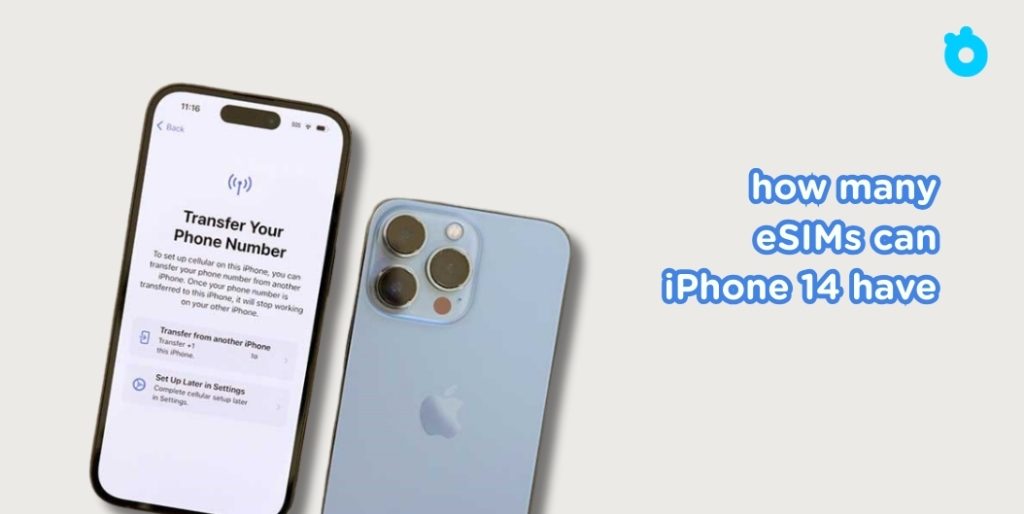
- iPhone 14
- store up to 8 profiles, run 2 at once. U.S. models were the first eSIM-only iPhones.
- Lets you activate 2 eSIMs simultaneously (or 1 eSIM + 1 physical SIM, outside the US).
- In the US, it was Apple’s first eSIM-only iPhone, meaning no physical SIM slot.
- store up to 8 profiles, run 2 at once. U.S. models were the first eSIM-only iPhones.
- iPhone 15
- Same capacity as the iPhone 14: about 8 profiles stored and 2 active at once.
- In the US, also eSIM-only. In other regions, some versions still support a physical SIM + eSIM combo.
- Same capacity as the iPhone 14: about 8 profiles stored and 2 active at once.
- iPhone 16
- Supports multiple profiles (up to 8, sometimes more depending on carrier).
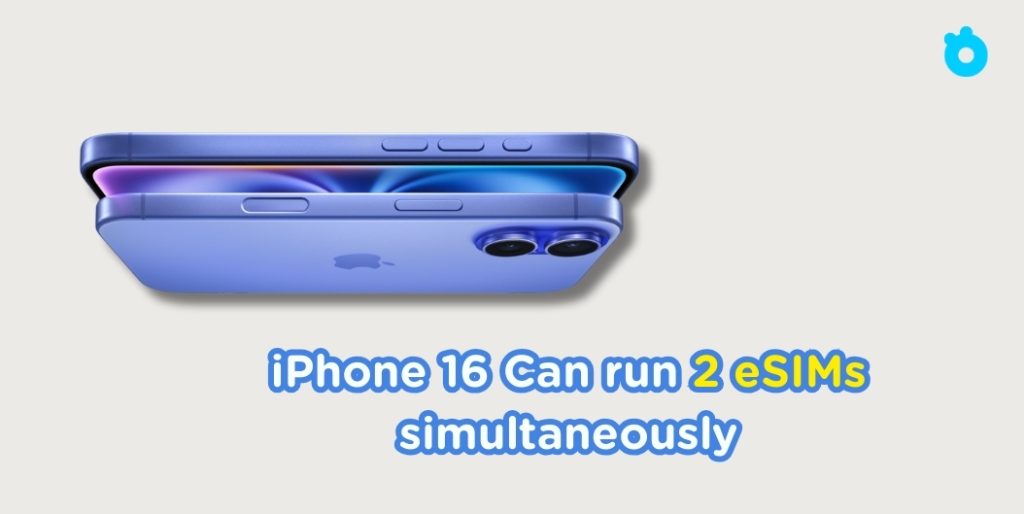
- Can run 2 eSIMs simultaneously.
- Apple streamlined switching between stored profiles, making it faster for travelers.
- Supports multiple profiles (up to 8, sometimes more depending on carrier).
- iPhone 17
- Early reports show the same limit: multiple profiles saved (≈8) and 2 eSIMs active at once.
- What’s new: smoother dual-eSIM standby and better integration with 5G networks.
- US versions remain eSIM-only, continuing Apple’s push away from physical SIMs.
- Early reports show the same limit: multiple profiles saved (≈8) and 2 eSIMs active at once.
💡 Key takeaway: You can keep several eSIMs ready on your iPhone, but you’ll need to switch between them if you want to use more than two numbers.
iPhone eSIM Comparison by Model (14–17)
| iPhone Model | Stored eSIM Profiles | Active eSIMs at the Same Time | SIM Tray Option | Special Notes |
| iPhone 14 | Up to ~8 | 2 eSIMs active | US: eSIM-only / Intl: 1 physical + 1 eSIM | First iPhone to go eSIM-only in the US |
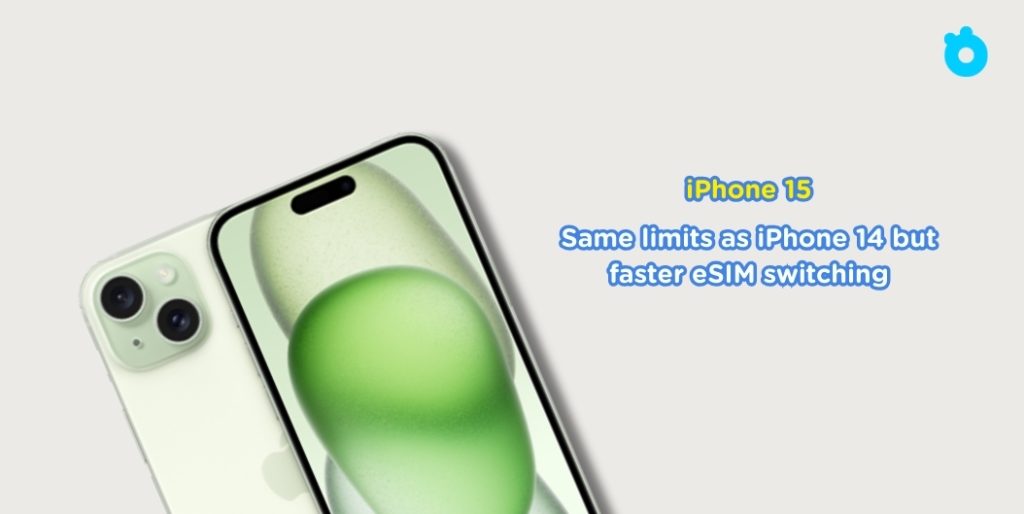
| iPhone 15 | Up to ~8 | 2 eSIMs active | US: eSIM-only / Intl: some still have SIM tray | Same limits as iPhone 14 but faster eSIM switching |
| iPhone 16 | Up to ~8 (varies by carrier) | 2 eSIMs active | US: eSIM-only / Intl: mixed | Improved iOS tools for managing multiple eSIMs |
| iPhone 17 | Up to ~8 (expected) | 2 eSIMs active | US: eSIM-only / Intl: TBD but likely some SIM tray versions | Better standby for dual eSIM + stronger 5G integration |
💡 Tip: “Stored profiles” are like having several SIM cards saved in your phone, while “active eSIMs” are the ones you can actually use right now. You can switch between stored profiles in Settings → Cellular → eSIMs.
iPhone 14: First eSIM-Only iPhone in the US
- Stored profiles: Up to ~8
- Active at once: 2 (either 2 eSIMs, or 1 eSIM + 1 physical SIM on international models)
- SIM tray option: US versions are eSIM-only; international versions still included a physical SIM slot
- Special note: The iPhone 14 was Apple’s first eSIM-only device in the US, marking the end of physical SIM cards there.
👉 Example: On my iPhone 14 Pro (US model), I stored 6 different eSIMs (work, home, travel) but only kept 2 active at a time. Switching between them in Settings was smooth, but slightly slower compared to iPhone 16.
iPhone 15: Same Capacity, Faster Switching
- Stored profiles: Around 8
- Active at once: 2
- SIM tray option: US versions remain eSIM-only; some global models still allow 1 physical SIM + 1 eSIM
- Special note: Apple improved switching speed between stored profiles, which is helpful for travelers.
👉 Example: I used the iPhone 15 Pro Max during a Europe trip—kept my US line plus added a France eSIM. Switching to a Germany plan mid-trip took just a few taps.
iPhone 16: Smoother Profile Management
- Stored profiles: ~8 (may vary by carrier)
- Active at once: 2
- SIM tray option: US versions eSIM-only; international models mixed
- Special note: iOS 18 (on iPhone 16) made switching faster with a redesigned eSIM management menu.
👉 Example: Travelers reported being able to swap between Asian and European eSIMs in under 30 seconds—ideal for frequent flyers.
iPhone 17: Latest Model, Better Dual Standby
- Stored profiles: Expected ~8
- Active at once: 2
- SIM tray option: US versions remain eSIM-only; some international versions may still have SIM trays (to be confirmed)
- Special note: Apple enhanced dual-eSIM standby and improved 5G integration for smoother connectivity.
👉 Example: Early testers noted that running 2 eSIMs (personal + travel) at the same time now uses less battery compared to iPhone 15/16.
💡 Pro tip: Think of stored eSIMs as “digital SIM cards in your pocket.” You can install multiple before a trip, then simply activate the right one when you land—no swapping cards needed.
US vs International Versions: What Changes?
Apple has taken different approaches with eSIM depending on the region, and this can confuse buyers. Here’s what you need to know:
1. United States Models
- Starting with the iPhone 14, US models are eSIM-only. There is no physical SIM tray.
- You can install multiple eSIM profiles (around 8), but only 2 can be active at the same time.
- Great for easy carrier switching with AT&T eSIM activation or other U.S. carriers
👉 Traveler’s note: If you buy your iPhone in the US, you’ll rely entirely on digital eSIMs for travel.

2. International Models (Europe, Asia, Middle East, etc.)
- Many iPhones outside the US still ship with a physical SIM slot.
- This gives more flexibility: you can run 1 physical SIM + 1 eSIM, or 2 eSIMs active simultaneously.
- Travelers often like this option because they can keep a home SIM card inserted while adding a travel eSIM.
👉 Example: A UK-bought iPhone 15 lets you keep your UK number in the SIM tray while activating a Gohub eSIM for Japan.
3. Practical Impact
- If you buy an iPhone in the US, you’ll need to rely entirely on eSIM for travel.
- If you buy one internationally, you may get a hybrid model that allows you to mix eSIM and physical SIM.
- Either way, the rule remains: only two lines active at once.
💡 Pro tip for travelers: If you plan to use multiple international numbers, an iPhone with both eSIM and a physical SIM slot (non-US model) may give you more flexibility. But if you’re fine managing everything digitally, the US eSIM-only version works smoothly.
Storing Profiles vs Active eSIMs: Know the Difference
When Apple says you can “have multiple eSIMs,” it’s important to understand what that really means. There’s a big difference between storing and activating an eSIM.
1. Stored eSIM Profiles
- Think of these as digital SIM cards saved on your iPhone.
- You can install up to about 8 different eSIM profiles on iPhone 14, 15, 16, and 17.
- Examples: one for your home carrier, one for work, and several for travel.
- These stay on your phone even if you’re not using them, so you can switch anytime in Settings → Cellular → eSIMs.
👉 Traveler’s tip: Before flying, install your travel eSIM while still at home. Once you land, just activate it in settings—no airport stress.
2. Active eSIMs
- These are the eSIMs currently in use for calls, texts, and mobile data.
- Apple limits you to 2 active eSIMs at the same time.
- For instance, you could run your work number and a travel eSIM together, but not three lines at once.
3. Why the Limit Exists
- Apple sets this restriction to balance performance, battery life, and carrier compatibility.
- Managing more than two cellular connections at the same time would drain power and create network conflicts.
💡 Tip: Use stored profiles to prepare for trips — install them before you leave. Then just activate the travel eSIM once you land. It saves time and avoids setup stress abroad.
Common Limitations When Using Multiple eSIMs
Even though iPhones let you store and switch between many eSIMs, there are still some limits to keep in mind:
1. Only two active at once
- No matter how many profiles you save, your iPhone can only run two eSIMs at the same time.
- If you need a third line, you’ll have to switch manually in settings.
2. Carrier restrictions
- Some carriers may limit how many eSIM profiles you can install, or require reactivation if you switch devices.
- Always check with your carrier before relying on multiple eSIMs.
3. Region differences
- US iPhones are eSIM-only. International versions may still support 1 physical SIM + 1 eSIM, giving more flexibility.
- If you travel often, this difference can matter.
4. Switching takes a few steps
- Although iOS makes it easy, switching between stored eSIMs isn’t instant. You’ll need to go to Settings → Cellular → Select eSIM each time.
5. Data sharing may be limited
- Using hotspot or dual data lines may not work as smoothly when two eSIMs are active. Some carriers restrict tethering on eSIMs.
6. Battery impact
- Running two lines at once (dual standby) can use slightly more battery, especially if both profiles are on 5G networks.
💡 Pro tip: For everyday use, keep your main number active and add one travel or work eSIM. Switching beyond that is better for occasional use, not for juggling many lines daily.
FAQ: eSIM Capacity on iPhone 14–17
1. How many eSIMs can the iPhone 14, 15, 16, and 17 store?
Each model can store around 8 eSIM profiles. This means you can keep several numbers saved (work, home, travel) and switch between them in settings.
2. How many eSIMs can be active at the same time?
Only 2 eSIMs can be active at once. You can use both for calls, texts, and data, but a third one must be switched manually.
3. Can I use 3 or more eSIMs at once on iPhone 17?
No. Even the iPhone 17, with better eSIM standby, still limits you to 2 active lines at once. Apple has not raised this cap.
4. Do US iPhones have different eSIM limits?
The limits are the same, but US iPhones are eSIM-only with no physical SIM tray. International models may allow a mix of 1 physical SIM + 1 eSIM or 2 eSIMs active.
5. Can I move my eSIMs to a new iPhone easily?
Yes — with Quick Transfer or a carrier app like T-Mobile’s Test Drive.
Final Tips and Gohub Recommendation
Apple has made eSIM management on iPhone 14, 15, 16, and 17 much easier. You can save multiple profiles, switch between them, and run two at the same time. For many people, that’s enough to balance work, personal, and travel numbers on one device.
But here’s the catch: free or stored eSIMs are convenient, yet they’re not always reliable for real-world travel. Coverage can be patchy, data caps are small, and switching lines mid-trip isn’t always smooth.
That’s why more travelers are choosing Gohub. It may not be free, but it offers what free eSIMs can’t:
- Coverage in 190+ countries.
- Flexible data plans built for short or long trips.
- One-tap activation on iPhone, no QR code hassle.
- 24/7 customer support, so you’re never stuck abroad without help.
💡 Final thought: Use free or stored eSIMs to test your iPhone’s setup. But when it’s time for real travel, trust Gohub for seamless, stress-free connectivity anywhere in the world.