Finding that perfect data plan feels a bit like Goldilocks picking a bed; 1GB disappears before you even leave the airport, but 50GB is often way too much for a casual trip. For the savvy esim iphone user, a 10GB plan is that glorious middle ground where you can actually enjoy your vacation without hovering over every megabyte.
The short answer is that 10GB typically lasts between 10 to 14 days for the average traveler. You’ll have plenty of room for Google Maps and endless WhatsApp messages, though you might want to chill on the 4K TikTok marathons.
If you are ready to jump in, you can get your free esim now and start testing the waters. Before you head out, make sure you know the steps for eSIM activation on iOS to avoid any last-minute airport Wi-Fi hunting. Let’s look at exactly how many memes and maps those gigabytes actually buy you.
Real World Breakdown: What Does 10GB Really Get You?
Think of your 10GB plan like a medium sized bucket of popcorn at the movies. If you nibble slowly, it lasts the whole show; but if you start shoveling it in during the trailers, you’re hitting the bottom before the main character even appears. Your esim iphome data works much the same way. While the total number sounds huge, different apps have vastly different appetites for your megabytes.

The Light Snackers: Maps and Messaging
You might expect navigation to be a massive drain, but it’s actually one of the most efficient things you can do. Your phone mostly just downloads tiny bits of text and simple coordinate lines. According to the actual data usage of GPS apps, you’ll only burn through about 10 to 15MB per hour. You could drive across an entire country and still have plenty of data left for dinner photos.
Traditional messaging is even lighter on your plan. Text based WhatsApp chats or iMessages use such a negligible amount that it’s hard to even measure. It’s only when you start sending large batches of uncompressed photos or 4K videos of your lunch that the meter starts running. If you want to be extra cautious, you can follow tips to save mobile data while traveling to keep these apps in check.
The True Data Vampires: Social Video
Warning: your favorite scrolling apps are hungry. High definition video is the ultimate data vampire, waiting to suck your 10GB dry while you aren’t looking. Apps like TikTok and Instagram Reels are specifically designed to preload video so your experience stays fast, but that convenience comes at a heavy cost.
The math for video consumption is surprisingly brutal for a traveler.
| App / Activity | Data Usage per Hour | 10GB Total Lifespan |
|---|---|---|
| Google Maps | 15 MB | 660+ Hours |
| Spotify (Normal) | 45 MB | 220 Hours |
| TikTok / Reels | 840 MB | ~11.9 Hours |
| Netflix (HD) | 3,000 MB | 3.3 Hours |
As the latest research on TikTok data usage shows, a single hour of scrolling can easily eat nearly a full gigabyte. If you lose track of time in a TikTok rabbit hole for just two hours a day, your entire 10GB plan will be stone cold dead in less than a week.
Managing Your Digital Diet
Keep an eye on background processes that like to sneak a snack behind your back. Features like Wi-Fi Assist or automatic app updates don’t care about your data cap. They will happily update a 2GB game while you’re sitting at a bus stop.
To stay safe, flip on Low Data Mode in your cellular settings. This tells your phone to stop being so greedy and wait for a real Wi-Fi connection before doing any heavy lifting. You can also get your free esim now to test your primary apps and see exactly how they behave before you commit to a bigger trip. Balancing your usage isn’t about avoiding the internet; it’s just about knowing which apps are the most expensive guests at the party.
Four Simple Steps to Make Your esim iphome Data Last Two Whole Weeks
While 10GB is a generous amount of data for a quick getaway; it can vanish quickly if your phone decides to go on a digital shopping spree in the background. Think of your data plan as a battery for your internet life. You wouldn’t leave every light in your house on while you’re at work, so why let every app on your esim iphome burn through data when you isn’t even looking?
Managing your usage doesn’t mean you have to hide from the internet. It just means being a little smarter about when and how your phone connects to the world. By making a few quick tweaks to your settings, you can stretch those gigabytes across a full two week vacation without ever seeing that dreaded “Low Data” notification.
Put Your Phone on a Digital Diet
The easiest way to save data is to tell your iPhone to be less greedy. Apple included a built-in feature specifically for this, and it acts like a strict supervisor for your apps. When you turn on Low Data Mode, your phone stops doing unimportant tasks in the background, like downloading high-resolution album art or refreshing your weather app every thirty seconds.
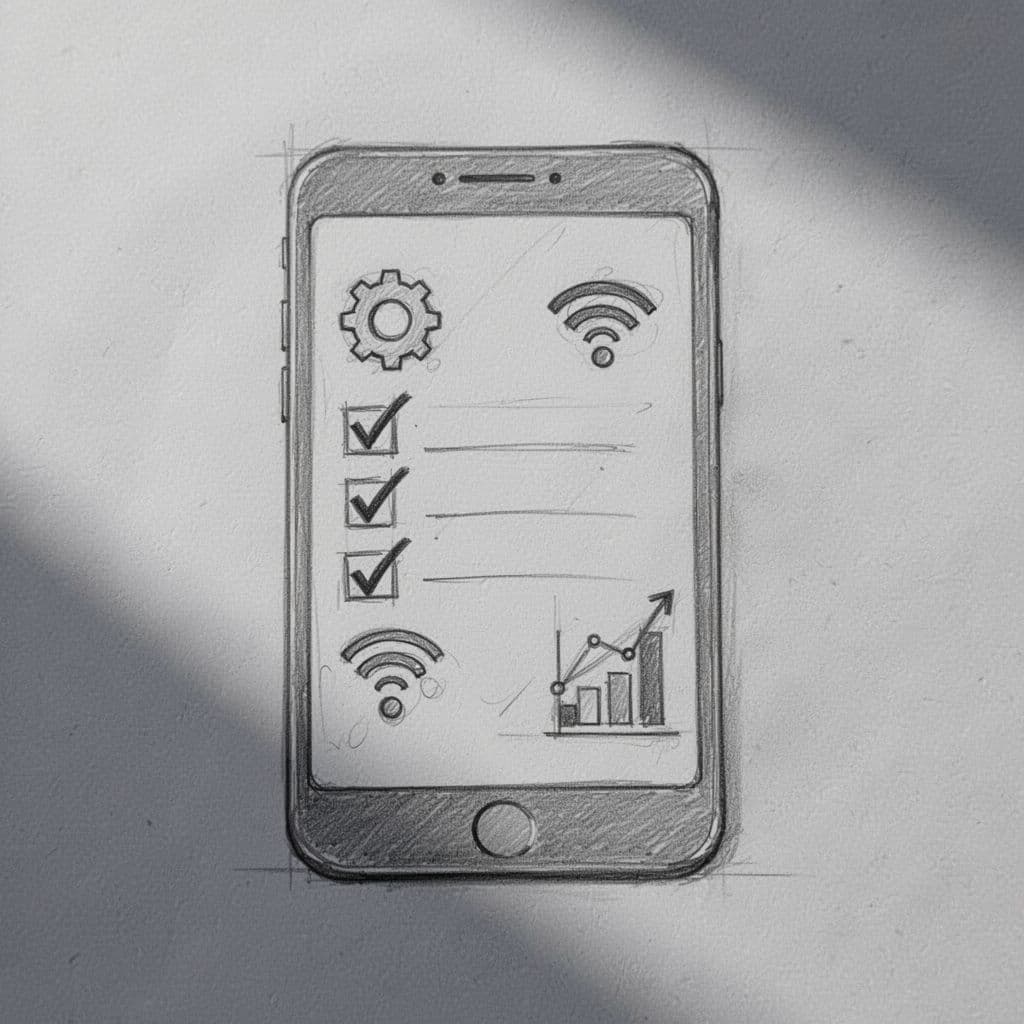
Follow these four simple steps to keep your data meter from spinning out of control:
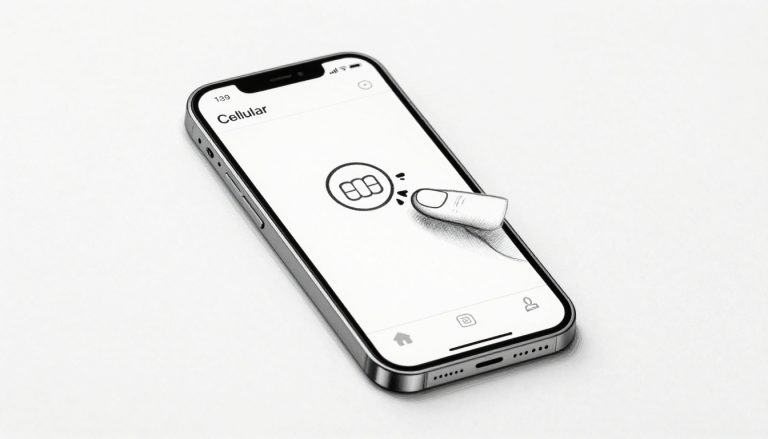
- Activate Low Data Mode: Go to Settings, tap Cellular, select Cellular Data Options, and then tap Data Mode to select Low Data Mode. This is the single biggest step you can take to stop data leakage.
- Tame the Social Media Giants: Most video apps like TikTok or Instagram preload videos so they play instantly. Open these apps and find the “Data Saver” setting in their individual menus to stop them from eating your data while you scroll.
- Halt Background App Refresh: Navigate to Settings, then General, and select Background App Refresh to toggle it off. This prevents apps from “talking” to the internet and using your data while they’re closed in your pocket.
- Save Backups for the Hotel: High-resolution photos are massive files. Make sure your iPhone stays away from iCloud photo backups until you’re back on a reliable hotel Wi-Fi connection.
Smart Habits for Shrewd Travelers
Aside from clicking buttons in your settings, your behavior plays a huge role in how long your 10GB lasts. For example, if you know you’ll be using navigation all day, try downloading offline maps in the Google Maps app before you leave your hotel. This way, your phone uses its internal storage to find your way instead of constantly pulling from your esim iphome connection.
You might also consider how to set up eSIM on iPhone 16 or older models to ensure your secondary data line is the only one pulling the heavy weight. It’s often helpful to view or change cellular data settings to see which specific apps have used the most data so far on your trip. Seeing that a specific game used 500MB while you were waiting for a train is a great reality check. Stick to the essentials like email, maps, and text messaging, and you’ll find that 10GB is more than enough for your entire adventure.
Travel Data Calculator: High vs. Low Usage Tasks
Visualizing your 10GB plan as a physical resource helps you prioritize what stays and what goes. Most people treat data like an infinite buffet until they see the dreaded notification that their esim iphome is running on fumes. Some tasks are incredibly efficient; others act like a digital vacuum for your gigabytes. Understanding the gap between a quick voice call and a movie night is the secret to making your connection last until the plane ride home.
Safe Zone: Tasks You Can Do All Day
Low-impact activities are the backbone of a successful trip. You can practically leave Google Maps running from sunrise to sunset without making a dent in your 10GB total. These apps primarily pull small text strings and coordinate data; they don’t bother with heavy media files unless you specifically ask for them. Because these tasks use so little, you can feel comfortable using them for hours while wandering through a new city.

Standard voice calls through WhatsApp are another hidden gem for travelers seeking efficiency. While a traditional cellular roaming call might cost a fortune, a data based call uses about 35 MB per hour. You could talk to your family for four hours every single day and still only use about 1.4GB of your total 10GB plan by the end of a ten day trip. If you are worried about running out, it’s helpful to get your free esim now and test a quick call to see the usage on your own device.
Here is a quick look at how many hours of “safe” usage you get with a 10GB plan:
- Google Maps Navigation: 800+ hours (That is over 30 days of 24/7 driving)
- WhatsApp Voice Calls: 280+ hours (Roughly 11 solid days of talking)
- Spotify (Normal Quality): 220 hours (Enough for a cross-country train tour)
- Web Browsing: 160 hours (Reading blogs and news sites without heavy video)
Danger Zone: The Data Vampires
When you cross into the world of high-definition video, your 10GB plan starts to feel very small. Streaming a single movie on Netflix in HD is the equivalent of using Google Maps for over 150 hours straight. Your esim iphome downloads millions of pixels every second to keep that picture crisp, which is why a single night of binge-watching can wipe out three days worth of data in one sitting.
The stakes get even higher when you decide to share your connection. If you are managing eSIM hotspot data usage for a laptop or a tablet, be extremely careful. Laptops frequently assume they are on an unlimited home network and will start downloading massive software updates or syncing large photo libraries without asking first. Treat your hotspot like a high-interest credit card; use it only when necessary and pay close attention to the balance.
| High Usage Task | Data per Hour | 10GB Total Lifespan |
|---|---|---|
| Netflix (HD) | 3,000 MB | 3.3 Hours |
| YouTube (1080p) | 1,500 MB | 6.6 Hours |
| WhatsApp Video Call | 300 MB | 33 Hours |
| Instagram Scrolling | 600 MB | 16 Hours |
Identifying Background Data Creep
Active usage is only half the battle because your phone works even when the screen is dark. Apps like iCloud or Google Photos often wait until you aren’t looking to upload those 100 high-resolution vacation photos you just took. Because these backups happen in the background, you might find that 2GB of data vanished while your phone was simply sitting on a restaurant table.
You should always double check your settings to see which apps use the most mobile data on a typical day. Turning off “caching” or “pre-loading” in your settings ensures that your phone only downloads what you specifically want to see right now. By separating your “must-have” navigation from your “nice-to-have” streaming, you can keep your data levels healthy for the entire duration of your trip.
Is 10GB the Right Choice for Your Trip?
Choosing a data plan can feel like trying to guess how much water to bring on a desert hike. You don’t want to carry a giant tank if you’re only going for a mile, but running out halfway is a recipe for a bad time. A 10GB plan for your esim iphome is usually the sweet spot for many travelers, sitting comfortably between the “just checking email” crowd and the “I live on the internet” power users.
To figure out if this amount hits the mark for you, it helps to look at your digital habits. Are you the type to put your phone away and soak in the sights, or do you need to be connected for work and play? Recognizing your travel persona is the easiest way to decide if 10GB is your perfect match. If you’re still on the fence, you can get your free esim now to see how your favorite apps behave before you fly.

The Two-Week Sightseer
If your main goals involve navigating cobblestone streets, finding the best local gelato, and sending “wish you were here” photos to the family group chat, you’re a two-week sightseer. For this style of travel, 10GB is a fortress of data. It provides more than enough breathing room for daily GPS use and frequent social media check-ins without any stress.
Most travelers in this category find that 10GB actually lasts much longer than expected. According to real-world data from travelers on Reddit, about 5 to 10GB typically covers a full 14-day trip when you use a mix of local Wi-Fi and cellular data. You won’t have to worry about the limitations of free eSIM data plans that often cut you off right when you need a map the most. You’re effectively in the “set it and forget it” zone.
The Remote Nomad
Digital nomads and remote workers have a different relationship with their esim iphome data. When your phone is your office, 10GB acts as a vital safety net. It’s ideal for a solid week of work, especially if you’re handling emails, Slack messages, and the occasional voice call. However, once you start tethering your laptop to your phone’s hotspot, those gigabytes start moving much faster.
A 10GB plan provides a comfortable buffer for a seven-day work stint, provided you stay away from heavy video conferencing. Zoom and Teams calls can eat data for breakfast, so try to save those for the hotel Wi-Fi. Many travelers find that 10GB is enough for normal daily use while working, as long as they aren’t downloading massive project files or 4K assets on the go.
The Heavy Streamer
Here is where the warning signs go up. If your idea of a vacation involves watching YouTube in the airport or scrolling TikTok while your travel partner explores a museum, 10GB might feel like a tiny snack. High-definition video is the fastest way to drain your esim iphome connection. For these users, 10GB is a temporary fix rather than a long-term solution.
You should consider yourself a heavy streamer if you:
- Watch more than an hour of streaming video per day.
- Upload long 4K videos to social media daily.
- Plan on downloading new apps or games without Wi-Fi.
For this group, 10GB will likely only last a few days. If you fall into this category, you might want to look eventually at larger or unlimited options. However, starting with 10GB is a great way to evaluate your actual usage before committing to a larger, more expensive investment. Monitor your usage early on to see if you need to adjust your digital diet.
Conclusion
A 10GB plan provides a generous amount of freedom for the modern traveler. It is plenty of data for two weeks of navigating new cities and finding the best local coffee. You can stay connected with friends without reaching for your wallet every other day.
While the data is plentiful, it’s still smart to keep an eye on your consumption. Glance at your usage logs in the iOS menu under the cellular section every few days. This simple habit ensures your esim iphome connection remains healthy throughout your entire journey.
You deserve to focus on the sights and sounds of your trip. Don’t let your data plan be a source of stress while you’re exploring the world. Knowing the steps to use an Airalo eSIM on iPhone can give you that extra bit of confidence.
Go ahead and share those photos and find that hidden landmark. With a little awareness, you can enjoy your adventure without worrying about hidden costs or roaming bills. Your digital safety net is ready whenever you are.
This post may contain affiliate links. If you make a purchase through these links, I may earn a small commission at no extra cost to you.