Landing in Thailand without mobile data can turn a simple airport transfer into a game of “find the Wi-Fi,” especially when you need maps, ride apps, translations, and messages. For most travelers, AIS often has the strongest reach in rural and island areas, while True is a strong choice in Bangkok, major tourist zones, and busy cities.
The eSIM brand you buy and the local network it uses aren’t always the same company, so check the supported network before you purchase. Your best choice depends on your route, not a single nationwide winner, and Thailand eSIM options for iPhone can help you compare plans before takeoff. For a quick setup reference, watch Apple’s iPhone eSIM travel guide, then we’ll compare AIS and True coverage by destination.
This post may contain affiliate links. If you make a purchase through these links, I may earn a small commission at no extra cost to you.
How Does a Thailand eSIM Connect to a Mobile Network?
A Thailand eSIM is a digital SIM profile stored on your iPhone. AIS and True are the local mobile network operators that provide the actual cellular connection. The eSIM provider sits between you and that network, rather like a travel agent arranging your ride instead of owning the taxi.
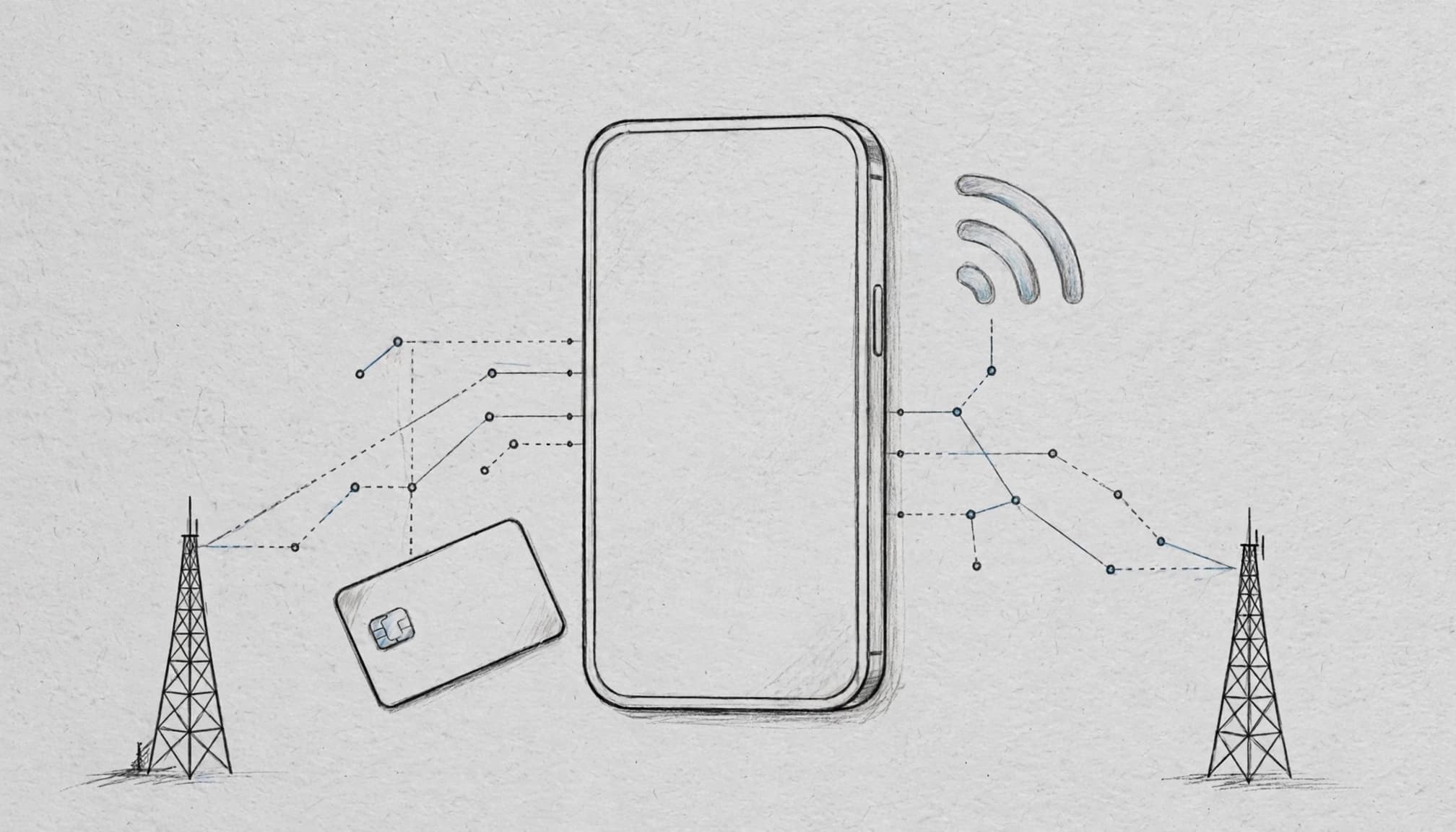
Your eSIM and the Local Network Are Not Always the Same Company
You might buy a Thailand travel eSIM from one brand, then see AIS or True on your iPhone after landing. That brand may resell access to AIS, True, or a roaming partner that connects through one of those networks.
Some plans support both Thai networks, while others are locked to a single partner. That detail matters when your route includes rural roads, mountains, or islands, where coverage can change quickly.
Check the plan page before buying. If the information is unclear, look in your activation email or the provider’s app. Search for terms such as “supported networks,” “AIS,” “True,” “automatic network selection,” or “roaming partner.” You can also review Thailand eSIM planning options before choosing a plan.
Your iPhone may keep your home SIM active for calls and texts while the Thailand eSIM handles mobile data. The phone must be unlocked and eSIM-compatible. A dual SIM guide for travelers explains how those two lines work together.
Why Does My iPhone Show AIS or True?
The name in your iPhone’s status bar or Cellular settings identifies the network currently serving the eSIM. If you see AIS, your plan is connected through AIS at that moment. Seeing True means True is carrying the connection.
That name can change with your location, available signal, and network settings. When automatic selection is enabled, the eSIM may choose an available partner without asking you. Seeing AIS or True doesn’t mean you bought that company’s retail SIM directly.
Can Every Thailand eSIM Use Both AIS and True?
No. Some eSIMs support AIS only, some support True only, and others can roam across both. A plan’s ability to use two networks depends on its agreement with the provider.
That flexibility helps when you travel between Bangkok, Chiang Mai, mountain areas, and islands. However, don’t assume you can manually switch from True to AIS. Your plan must support both networks first. If reliable access matters, get your free esim now after checking the network, data roaming requirement, hotspot rules, validity, and 5G access.
AIS vs True Thailand Coverage: Which Network Reaches More Travelers?
AIS and True both cover Thailand well, but their strengths can differ by destination. AIS is often the safer pick for long routes and rural travel, while True fits trips centered on cities, airports, and established resorts.

AIS Coverage in Thailand
AIS has a strong reputation for reaching beyond Thailand’s busiest tourist centers. Travelers often prefer it for rural highways, northern provinces, national park areas, and less-developed islands where nearby towers may be farther apart.
That makes AIS a practical choice if your itinerary includes Chiang Mai’s mountain roads, long drives between provinces, or beach areas away from the main resort strip. It can also suit travelers who move frequently instead of staying within one city.
Still, broad coverage is not the same as a signal everywhere. Valleys can block service, thick walls can weaken indoor reception, and remote beaches may have patchy or no connection. Check the AIS coverage map based on real-world tests, but treat it as a guide rather than a promise.
True Coverage in Thailand
True is a strong option in Bangkok and other high-traffic areas. Travelers commonly find dependable service around airports, shopping districts, city centers, major roads, and established beach resorts.
That local density can help when many people are using the network at once, although performance still depends on the exact tower, indoor conditions, and your eSIM’s roaming agreement. True suits trips focused on Bangkok, Pattaya, Phuket’s main resort areas, or similar tourist hubs.
Before heading deep into the countryside, check the planned route rather than relying on the provider name alone. Your phone model, supported bands, and local congestion can all affect results. A travel eSIM roaming setup guide can also help you confirm the correct iPhone settings.
AIS vs True: A Quick Comparison for Travelers
| Network | Strongest use cases | Possible weak spots | Best traveler fit |
|---|---|---|---|
| AIS | Rural roads, northern Thailand, parks, remote islands | Valleys, buildings, isolated beaches | Road trips and multi-region itineraries |
| True | Bangkok, airports, cities, resorts, tourist centers | Far-off rural routes and remote areas | City breaks and resort vacations |
| Multi-network plan | Flexible travel across varied terrain | May cost more or have plan restrictions | Travelers who want backup options |
AIS is usually the better starting point for remote travel. True works well for city-focused trips, while a plan supporting both networks gives you more flexibility. No network guarantees service at every hotel, ferry route, beach, or mountain viewpoint.
AIS vs True Coverage by Popular Thailand Destinations
The best network depends on your route, not just the city printed on your itinerary. A strong signal at the airport can fade on a mountain road, inside a concrete hotel, or halfway across the sea.

Bangkok: Strong Service on Both Networks
AIS and True generally provide strong service across central Bangkok, including Suvarnabhumi Airport, Don Mueang Airport, shopping malls, business districts, hotels, and major transit routes. Your ride app should load before the taxi driver finishes saying “traffic.”
However, performance can dip inside thick concrete buildings, underground stations, crowded venues, or packed festivals. Network congestion and building materials often matter more than the brand name. OpenSignal’s Thailand mobile network report offers a useful broader comparison, but local conditions still vary by street and building.
Bangkok-only travelers should compare price, data allowance, validity, and activation ease instead of obsessing over coverage. Either network is usually a sensible fit for city sightseeing and business trips.
Chiang Mai and Northern Thailand
Chiang Mai city is well served by both AIS and True, especially around the Old City, Nimman, the airport, and popular tourist areas. The picture changes when your scooter route climbs into the hills or leaves the main roads.
AIS is a sensible choice for travelers visiting mountain viewpoints, rural districts, national parks, or smaller towns. True can still work well around Chiang Mai’s urban center and busy attractions, so check the full route rather than searching only for “Chiang Mai coverage.”
Download directions before leaving town, particularly when your day trip includes winding roads and patchy reception.
Phuket, Krabi, and the Andaman Coast
Both networks can work well in Phuket and Krabi’s main tourist areas. Service is usually reliable near airports, resort strips, ferry terminals, and busy beaches, but quieter coastlines and inland roads can produce weaker signals.
A plan’s price, data allowance, and supported network may matter more than a simple AIS-versus-True preference. Ferry journeys and offshore islands can have limited service regardless of provider, so get your free esim now only after checking its network access and validity.
Koh Samui and Other Thai Islands
Developed resort areas on Koh Samui usually have good service, while remote beaches, smaller islands, and sea crossings are less predictable. AIS may suit island-hopping travelers who want broader backup options, but no carrier wins on every island.
If possible, choose a plan with multi-network access. Before boarding a ferry, download maps, hotel details, tickets, and booking confirmations. Your phone may become a very expensive flashlight once the signal disappears.
AIS vs True 5G in Thailand: What iPhone Users Should Know
Thailand has 5G in many populated areas, including Bangkok, Chiang Mai, Phuket, and major tourist zones. However, coverage is not continuous across the entire country. Your route, iPhone model, eSIM terms, and network settings all affect the result.

Does Thailand Have 5G, and Will an iPhone Use It?
Your iPhone needs more than an eSIM slot to connect to Thai 5G. Confirm that the model supports the local 5G bands, the phone is unlocked, and the eSIM plan includes 5G or permits 5G roaming. Apple’s supported 5G and LTE network list is a useful starting point.
Some older iPhones support eSIM but only connect to 4G LTE. For example, eSIM compatibility doesn’t automatically mean 5G compatibility. You can also review this iPhone eSIM compatibility list before buying a plan.
Even with a compatible phone, 5G may disappear indoors, outside major cities, or when your plan connects through a roaming partner with limited access. Check the plan’s current terms rather than trusting a large “5G included” badge.
Is AIS 5G Faster Than True?
There is no permanent winner in the AIS versus True speed contest. Performance changes with your location, time of day, tower congestion, signal quality, plan priority, and iPhone model.
A strong 4G connection can easily beat a weak 5G connection. A 5G icon only shows the connection type, not the speed you will receive. When a tower is busy, pages may load slowly even while your phone proudly displays 5G.
Choose based on your route, supported networks, data allowance, hotspot rules, and plan validity. Travelers who need dependable service should compare current plan terms and coverage instead of trusting a headline speed claim.
4G vs 5G: Which Matters More for Travelers?
For maps, ride apps, messaging, browsing, video calls, and standard video, 4G is usually more than enough. It often covers more places and may use less battery than a phone constantly searching for 5G.
5G helps more with large downloads, high-quality uploads, tethering a laptop, or posting heavy video files. Still, reliable coverage and enough data matter more than the newest icon. If you want to compare a current option, get your free esim now after checking its 5G access and supported Thai network.
How to Check, Change, and Troubleshoot Your Thailand eSIM on iPhone
Your iPhone can show AIS or True without making the setup obvious. Use the steps below to confirm which line handles data, test another supported network, and fix common connection problems. If your phone and plan are compatible, you can Get your free esim now, but check its network access before purchasing.

Check Which Network Your eSIM Uses
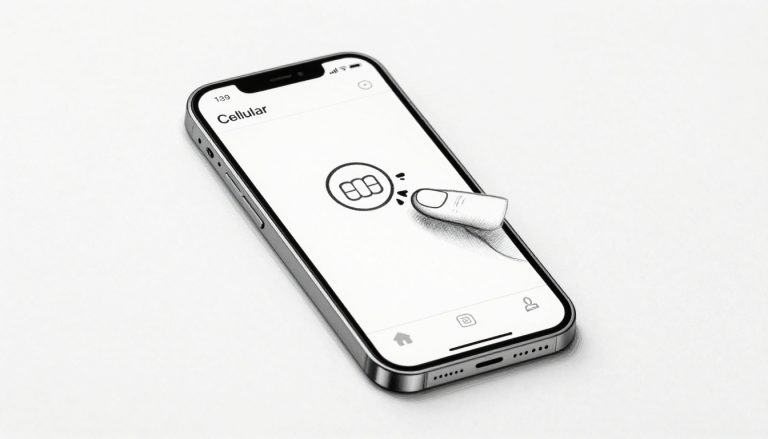
Open Settings > Cellular, then tap your Thailand eSIM under the SIMs section. Review the carrier name, network status, and Network Selection details. Labels can vary slightly by iOS version, so look for similar wording if your menu differs.
Next, return to Cellular and check the Cellular Data option. Your Thailand eSIM should have the checkmark or selection indicator. Keep your home line available for calls or texts if needed, but turn off data switching and avoid selecting it for mobile data. Otherwise, your home carrier could charge roaming fees.
Apple’s Dual SIM guidance for iPhone explains how to manage multiple lines without mixing up the active data connection.
Manually Select AIS or True When the Plan Allows It
Follow this path:
- Open Settings > Cellular.
- Tap your Thailand eSIM.
- Select Network Selection.
- Turn Automatic off.
- Wait for the network list, then choose AIS or True.
The list may include networks your eSIM cannot actually use. Your plan must have permission to register on the selected network, or the connection may fail. After testing, turn Automatic back on unless your provider tells you to keep a manual choice.
When to Switch Networks and When to Leave Automatic Selection On
Manual selection can help when you enter a new region and see No Service, connect to a weak partner, or spot a supported network that your eSIM ignored. It can also help after traveling between cities, islands, and rural areas.
Leave Automatic enabled when service is stable, your visit is short, or the plan supports only one network. Repeated scans waste time and battery, while an unsupported choice can leave the phone searching like a lost tuk-tuk.
Fix No Service, Slow Data, or Missing 5G
Try this short sequence before deleting anything:
- Confirm the Thailand eSIM is turned on and selected for Cellular Data.
- Enable Data Roaming if the provider requires it.
- Toggle Airplane Mode on, wait a few seconds, then turn it off.
- Restart the iPhone and test Automatic network selection.
- Check your plan’s expiry date and remaining data.
- Change the APN only when your provider supplies exact instructions.
For more help, see this guide to troubleshooting iPhone eSIM connectivity. Contact the provider before deleting the eSIM profile, because its QR code may not work again.
Which Thailand eSIM Is Best for Your Trip?
The best Thailand eSIM depends on your full route, not just the first hotel address. Compare the network behind the plan, its price, data allowance, validity, and setup rules before choosing.
Choose by Route, Not Just by Destination
A Bangkok-only trip usually needs dependable city coverage, so AIS and True can both work. Choose True if its plan costs less or includes more data. For Bangkok plus Chiang Mai, AIS gains an advantage once your itinerary includes mountain roads or rural day trips.
Phuket and established resorts are usually suitable for either network. However, AIS becomes the safer choice for northern road trips, national parks, smaller towns, and remote island-hopping. A multi-network plan is especially useful when your route includes ferries, quiet beaches, and several provinces.
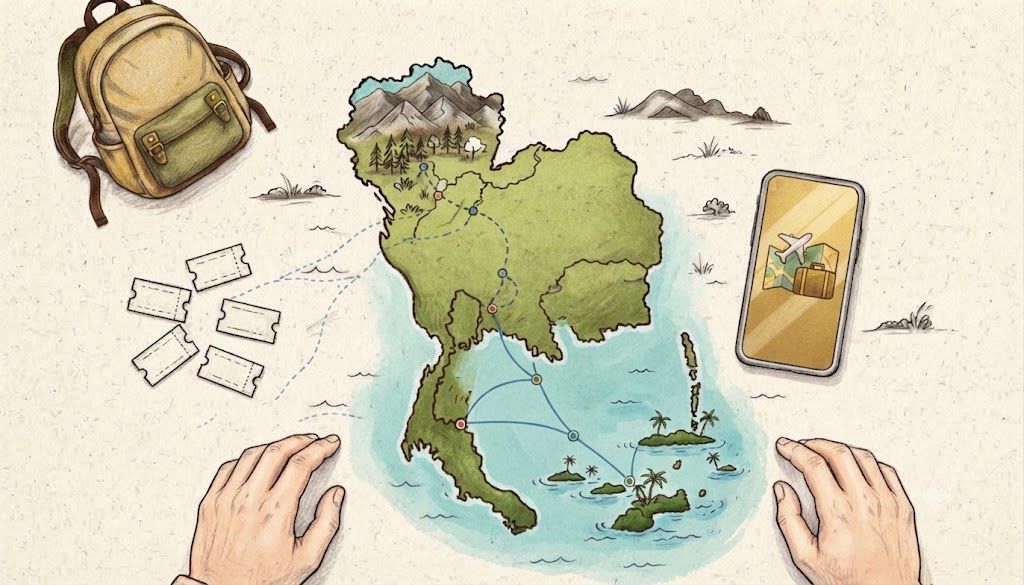
Map every stop, including day trips and transport legs. The signal at your Bangkok hotel says little about service halfway to Pai or between islands. Before departure, install an eSIM on iPhone over reliable Wi-Fi, then follow the provider’s activation instructions.
Check the Details That Can Make or Break an eSIM
Before buying, confirm these plan details:
- The eSIM supports AIS, True, or both networks.
- The data allowance and validity cover your entire trip.
- Hotspot or tethering is allowed if you plan to use a laptop.
- The activation deadline matches your travel dates.
- Data roaming must be enabled on your iPhone.
- Your phone is unlocked and eSIM-compatible.
- The provider explains refunds, replacement QR codes, and failed activation support.
“Unlimited” data may include a fair-use limit. After heavy usage, the provider may reduce speeds, so check the policy before streaming or tethering all day. You can also get your free esim now, but review the network agreement rather than choosing by gigabytes alone.
Final Recommendation for AIS or True
AIS is the safer general pick for travelers covering several regions, rural roads, or island areas. True is a strong fit for Bangkok, major cities, and established resorts when the price is better.
For mixed routes, a plan that can use both AIS and True offers the most flexibility at a reasonable price. The eSIM’s actual roaming agreement matters more than the seller’s logo on the checkout page. A cheaper plan with poor coverage can cost more in missed directions, wasted time, and hotel Wi-Fi scavenger hunts.
Conclusion
The best choice in the AIS vs True Thailand coverage debate depends on where your trip goes. AIS often gives travelers a better safety net beyond major cities, rural roads, and less-developed island areas. True remains a strong option for Bangkok, airports, popular resorts, and other busy tourist zones. If your itinerary crosses several regions, a multi-network eSIM gives you the most flexibility when one signal starts playing hide-and-seek.
Before takeoff, confirm that your iPhone is unlocked and compatible, then check whether the eSIM supports AIS, True, or both. Review its 5G terms, data allowance, validity period, hotspot rules, and roaming settings. This iPhone travel eSIM guide can help you verify the setup before you leave.
With the right plan activated, your maps, translation apps, messages, and ride services are ready before the signal decides to wander off.