Your iPhone can handle Google Maps, Grab rides, beach photos, and a heroic number of sunset snaps, but an unexpected data warning can spoil the mood faster than a melted mango sticky rice. For most travelers, 5GB is enough for a 7-day Thailand trip; light users may manage with 3GB, while heavy users and remote workers should choose 10GB or unlimited data.
The right amount depends on how often you stream video, whether your hotel has reliable Wi-Fi, how much you use social media, and whether your itinerary includes several cities or islands. Before choosing a Thailand eSIM, check the best eSIM for iPhone in Thailand and see how your travel habits affect your data needs. Then, use the breakdown below to choose a plan without paying for a data buffet you won’t finish. For help with setup, get your free esim now, or follow Apple’s iPhone eSIM travel guide.
This post may contain affiliate links. If you make a purchase through these links, I may earn a small commission at no extra cost to you.
How Much Data Do You Need for 7 Days in Thailand?
For most travelers, 5GB is the safest choice for a seven-day Thailand trip. It covers maps, Grab, messaging, social media, and occasional photo uploads without forcing you to count every megabyte like loose change.
Your needs can shift quickly, though. Video streaming, video calls, hotspot use, and automatic cloud backups can turn a sensible plan into digital confetti. The estimates below cover mobile data only, not hotel or café Wi-Fi.
Quick answer: 3GB, 5GB, 10GB, or unlimited?
| Plan | Best for | Typical activities | Hotel Wi-Fi | Rough daily budget |
|---|---|---|---|---|
| 3GB | Light travelers | Maps, Grab, messaging, light browsing | Used most nights | About 400MB |
| 5GB | Average vacation travelers | Maps, rides, social media, photo uploads, music | Used when available | About 700MB |
| 10GB | Heavy users | Frequent social media, music, uploads, occasional video | Used sometimes | About 1.4GB |
| Unlimited | Remote workers and streamers | Video calls, hotspot, streaming, large uploads | Helpful but not required | No practical cap, subject to plan rules |
A 5GB plan works well for the traveler who spends the day sightseeing and returns to Wi-Fi at night. If you rarely use Wi-Fi, upload lots of photos, or watch videos over cellular data, 10GB gives you a much wider safety cushion.
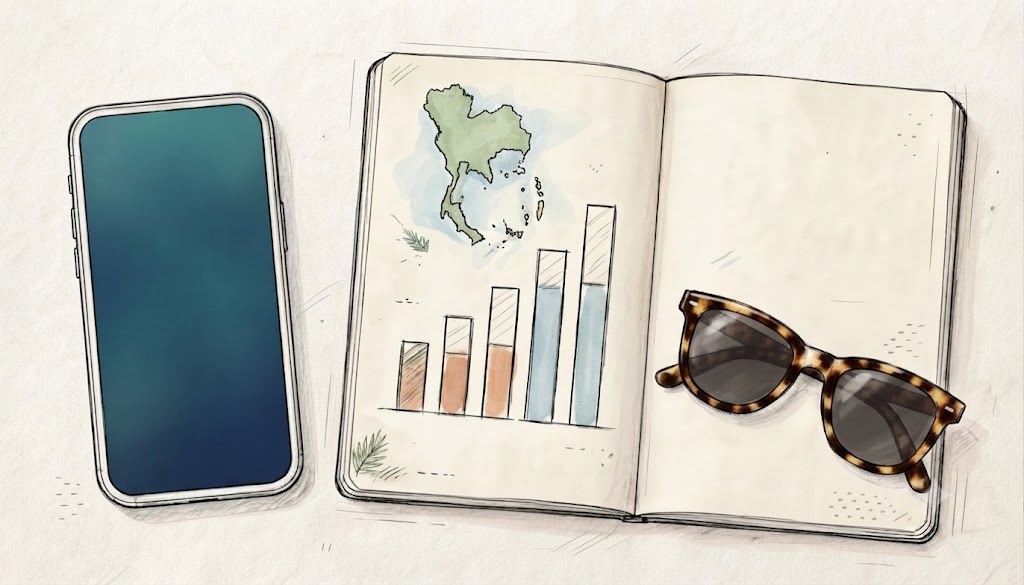
For a closer look at the numbers, see this guide to how long 5GB lasts on an iPhone. You can also review Apple’s Low Data Mode instructions before departure, especially if your iPhone tends to sync photos or refresh apps in the background.
A daily allowance is only a planning guide. One short HD video session can use more data than several hours of maps and messages.
If you’re unsure, choose 5GB for a normal vacation, 10GB for heavier phone use, and unlimited data for work, hotspot use, or frequent streaming.
What Actually Uses Mobile Data on an iPhone in Thailand?
Maps, messages, and ride-hailing usually use modest amounts of data. Video, social media, and cloud syncing are the real plan-eaters. Your daily habits matter more than the number of apps installed on your iPhone.
Maps and Navigation Usually Use Less Data Than You Think
Google Maps and Apple Maps generally use little mobile data for searching places, checking routes, and following directions. Live traffic and repeated map updates add more, but navigation rarely drains a plan as quickly as video.
Your iPhone’s GPS locates you without using cellular data in the same way map images, traffic updates, and place details do. Location Services can use extra battery, especially during long journeys, but GPS itself isn’t the main data cost.
Before leaving hotel Wi-Fi, download the areas you’ll visit. Apple explains how to download offline maps on iPhone, while this Google Maps iPhone eSIM guide covers travel setup. Offline maps reduce the need to load map areas over cellular data.
Grab, Ride-Hailing Apps, and Travel Searches
Grab, taxi-booking apps, restaurant searches, and hotel browsing usually consume small amounts of data. You can keep them online without panicking every time you request a ride.
However, repeated map loading and photo-heavy restaurant or hotel listings can add up. Grab is still worth keeping connected because it helps with rides, pickup locations, food orders, and local bookings when you don’t know the area.
LINE, WhatsApp, Messenger, and Voice Calls
Text messages use very little data, whether you use LINE, WhatsApp, or Messenger. Voice notes and voice calls use more, but they remain manageable for most seven-day trips.
Photos consume more data, especially when you send several high-resolution images at once. Video calls are a different beast and can use hundreds of megabytes over time, depending on call length and quality.
LINE is especially common in Thailand, so you may use it to contact hotels, tour operators, restaurants, and local friends. Keep it available, but save long video chats for Wi-Fi when possible.
Instagram, TikTok, Reels, and Photo Uploads
Short videos are the sneaky data goblins of a vacation. Instagram Reels, TikTok clips, and autoplay videos can burn through data while you wait for a boat, sit in a taxi, or enjoy one “quick” scroll that somehow lasts 45 minutes.
Uploading photos and posting Stories also uses mobile data. A few compressed photos won’t wreck a 5GB plan, but large batches and video uploads can make the meter spin.
Save uploads for hotel Wi-Fi when practical. You can also disable autoplay or set social apps to use less cellular data. Otherwise, your beach day may produce more data usage than photos.
YouTube, Netflix, FaceTime, and Other Video Streaming
Video streaming is usually the biggest factor when deciding how much data you need for 7 days in Thailand. Standard definition uses much less data than HD, while high-quality video can consume hundreds of megabytes in a short session.
Download Netflix shows, YouTube playlists, podcasts, and music over Wi-Fi before leaving home or your hotel. Those downloads use Wi-Fi data instead of your travel plan.
Regular FaceTime calls and streaming can make 5GB disappear quickly, especially if you use both every day. If you expect frequent video calls, watch movies over cellular data, or work from your iPhone, compare how long 10GB of eSIM data lasts before choosing a smaller plan. You can also Get your free esim now if you need a travel data option.
Choose Your Data Amount Based on Your Thailand Itinerary
Your route affects data use almost as much as your phone habits. Changing cities means more map searches, Grab bookings, translation lookups, hotel research, and last-minute “where am I?” moments. Use this quick comparison before choosing your Thailand eSIM.
| Thailand itinerary | Recommended data | Best for |
|---|---|---|
| Bangkok for seven days | 3GB to 5GB | Wi-Fi users with light to moderate phone use |
| Bangkok and Chiang Mai | 5GB | Travelers checking routes and transport between cities |
| Bangkok and Phuket or the islands | 5GB to 10GB | Beach trips with bookings, weather checks, and photo sharing |
| Multi-city trip or remote work | 10GB or unlimited | Frequent navigation, video calls, uploads, or hotspot use |
Bangkok for Seven Days
Choose 3GB to 5GB if you use hotel Wi-Fi and mainly need mobile data for Grab, maps, messaging, translation, and occasional social posts. Bangkok has plenty of hotel, café, and restaurant Wi-Fi, but mobile data remains useful in traffic, on the BTS, and while walking outdoors.
Pick 5GB or more if you spend much of the day browsing restaurants, checking routes, watching videos, or sharing a parade of photos. A Thailand and Asia travel eSIM guide can also help if your trip continues beyond Thailand.
Bangkok Plus Chiang Mai
For Bangkok and Chiang Mai, 5GB suits most travelers. Moving between cities creates extra data work because you may check train or flight details, compare hotels, book rides, translate menus, and reload routes during sightseeing.
The same 5GB plan can work well in both urban areas when you limit cellular video and save photo backups for Wi-Fi. Downloading maps and travel documents before leaving your hotel gives the plan more breathing room.
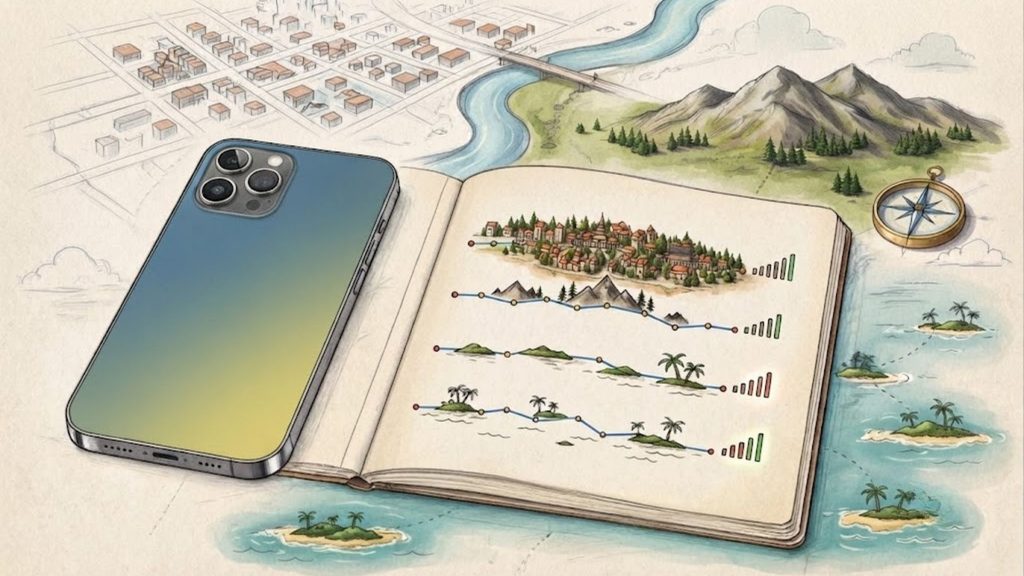
Bangkok Plus Phuket or the Thai Islands
Plan for 5GB on a typical vacation, or 10GB if you post constantly, plan boat days on the go, or upload lots of photos and video. Island Wi-Fi can be slower or less reliable, so mobile data matters more for maps, bookings, weather checks, and contacting drivers.
Thailand has broad coverage in popular tourist areas, but mobile internet coverage information can help you set realistic expectations before visiting smaller islands.
A Multi-City Thailand Trip or Remote Work Stay
Choose 10GB or unlimited data if you change hotels often, use navigation all day, join work calls, upload files, or plan to use your iPhone as a hotspot. Remote work has different data needs because video meetings and cloud services can consume a vacation-sized plan in a hurry.
Before buying an unlimited plan, check its hotspot allowance and fair-use rules. Unlimited may still include speed limits or restrictions after heavy use.
How Hotel Wi-Fi and iPhone Settings Change Your Data Needs
Hotel Wi-Fi can lower your mobile data use, but it shouldn’t be your only backup. Your iPhone still needs cellular data when you’re outside, and a few settings can turn a modest plan into a hungry little data monster.
Using Hotel Wi-Fi Every Night
Connect to reliable hotel Wi-Fi each evening to handle data-heavy tasks. App updates, iCloud Photos, iOS backups, streaming downloads, and vacation photo uploads can all happen without using your travel eSIM allowance.
Use a password-protected network when possible. Normal travel tasks, such as checking maps or browsing restaurants, are usually fine on a trusted hotel connection. However, avoid banking, password changes, and other sensitive account activity on questionable public networks.
With consistent nightly Wi-Fi and limited video streaming, 3GB may be enough for a careful traveler. Download shows, podcasts, and offline maps before heading out for the day.
Why You Still Need Mobile Data Away From the Hotel
Wi-Fi disappears at inconvenient times, usually when you need it most. Airport transfers, street navigation, beach trips, ferry terminals, markets, and ride pickups all depend on a working mobile connection.
A small data cushion can prevent a stressful scramble when you’re lost, running late, or trying to contact a Grab driver. For most travelers who don’t want to monitor every megabyte, 5GB is a safer minimum.
If you need to switch between your home line and travel eSIM, review this guide to iPhone Cellular Data settings. Choosing the correct data line helps prevent accidental roaming charges.
iPhone Settings That Can Use More Data
iCloud Photos may start syncing after you take a large batch of beach pictures. Background App Refresh and automatic app updates can also consume cellular data when you aren’t actively using an app.
Wi-Fi Assist may switch to cellular when hotel Wi-Fi becomes weak. 5G can load higher-quality content faster, while video apps may use more data at higher quality settings.
Before departure, turn on Low Data Mode, disable cellular access for unnecessary apps, choose standard video quality, and keep large backups on Wi-Fi. Check Wi-Fi Assist and 5G settings as well, especially if your plan has a tight limit.
How to Check Data Usage Before and During the Trip
Open Settings > Cellular and review the app-by-app usage list. Reset the statistics at the start of your trip, then check the biggest data users once a day.
Compare that total with your eSIM plan’s allowance. Your carrier or eSIM app may show a different, more current total than the iPhone settings page, so use both when available.
3GB, 5GB, 10GB, or Unlimited: Which Thailand eSIM Fits You?
Your Thailand eSIM should match your phone habits, not someone else’s holiday. It provides mobile data without relying on expensive roaming, but check iPhone compatibility, network coverage, activation rules, tethering support, and plan validity before buying.
Is 3GB Enough for a Careful Traveler?
Three gigabytes can cover Google Maps, Grab, messaging, translation, light browsing, and a few social posts. It works best when you connect to hotel Wi-Fi every evening and download maps or entertainment in advance.
However, frequent video, cloud photo uploads, and hotspot use can burn through 3GB quickly. Choose it as a budget option for disciplined users, not the safest choice for every seven-day visitor.
Why 5GB Is the Best Middle Ground for Most Visitors
For a normal week-long vacation, 5GB gives you useful breathing room. You can use navigation, book rides, message friends, search for restaurants, check opening hours, share photos, and browse social media without watching the data meter like a hawk.
It also leaves room for those small travel surprises, such as a long taxi ride or an unreliable hotel connection. For most people asking how much data they need for 7 days in Thailand, 5GB is the balanced pick.
When 10GB or Unlimited Data Makes Sense
Choose 10GB if you use social media heavily, make frequent video calls, face unreliable Wi-Fi, or simply don’t want to monitor usage. Remote workers, creators, hotspot users, and regular streamers should consider unlimited data instead.
Read the fine print first. “Unlimited” plans may include fair usage limits, slower speeds after heavy use, or hotspot restrictions. For installation help, follow this iPhone eSIM setup guide, then review the provider’s exact rules. You can also Get your free esim now if you need a travel data option.
How to Avoid Running Out of Data in Thailand
Before departure, download offline maps and install the eSIM while connected to Wi-Fi. Then:
- Turn off cellular data for unnecessary apps and enable Low Data Mode on iPhone.
- Download shows, music, and podcasts before leaving.
- Upload photos over Wi-Fi and lower video quality when using cellular data.
- Keep a small emergency data reserve for directions or ride bookings.
Keep your home SIM available for texts if needed, while your Thailand eSIM handles mobile data. Choose 5GB for most trips, 10GB for heavier use, and unlimited for remote work or constant streaming.
Conclusion
For a 7-day Thailand trip, choose 3GB for light use, 5GB for most vacation travelers, 10GB for heavy users, and unlimited data for remote work or frequent streaming. Maps, Grab, messaging, and normal browsing usually use modest amounts, while video streaming and background syncing can make your data vanish faster than a beachside mango shake.
Before departure, check your iPhone’s cellular settings, reset usage statistics, and choose a Thailand eSIM that matches your travel style instead of simply buying the biggest number. Review this guide to manage iPhone eSIM data while traveling so your phone uses the right data line when you land.