The era of the fragile plastic SIM card is ending, and it’s actually much cooler than you’d expect. While the disappearing SIM tray might make you feel a bit nervous about things you can’t touch, using an eSIM on iPhone is actually a significant security upgrade.
It’s natural to feel skeptical about a digital SIM, especially if you’re a traveler or digital nomad who relies on constant connectivity. However, eSIM technology is safer than physical cards because it’s built directly into the phone’s hardware, making it impossible for a thief to physically remove it.
Whether you’re concerned about how to safely use free eSIM plans or you’re just getting used to the iPhone 16 eSIM-only design explained by Apple, the switch offers better protection against theft and fraud. You’ll find that going digital doesn’t just save space; it keeps your identity much more secure.
If you’re ready to make the jump, you can get your free esim now and test the water. Let’s look at why this digital transition is one of the smartest moves you can make for your phone’s security.
Wait, What Exactly Is a Digital SIM Card Anyhow?
Think of a traditional SIM card as a tiny, plastic ID badge that your phone has to wear to get into the cellular network club. If you lose the badge or it gets dusty, you’re locked out. An eSIM is different because it’s like a built-in digital pass that’s already part of the hardware.
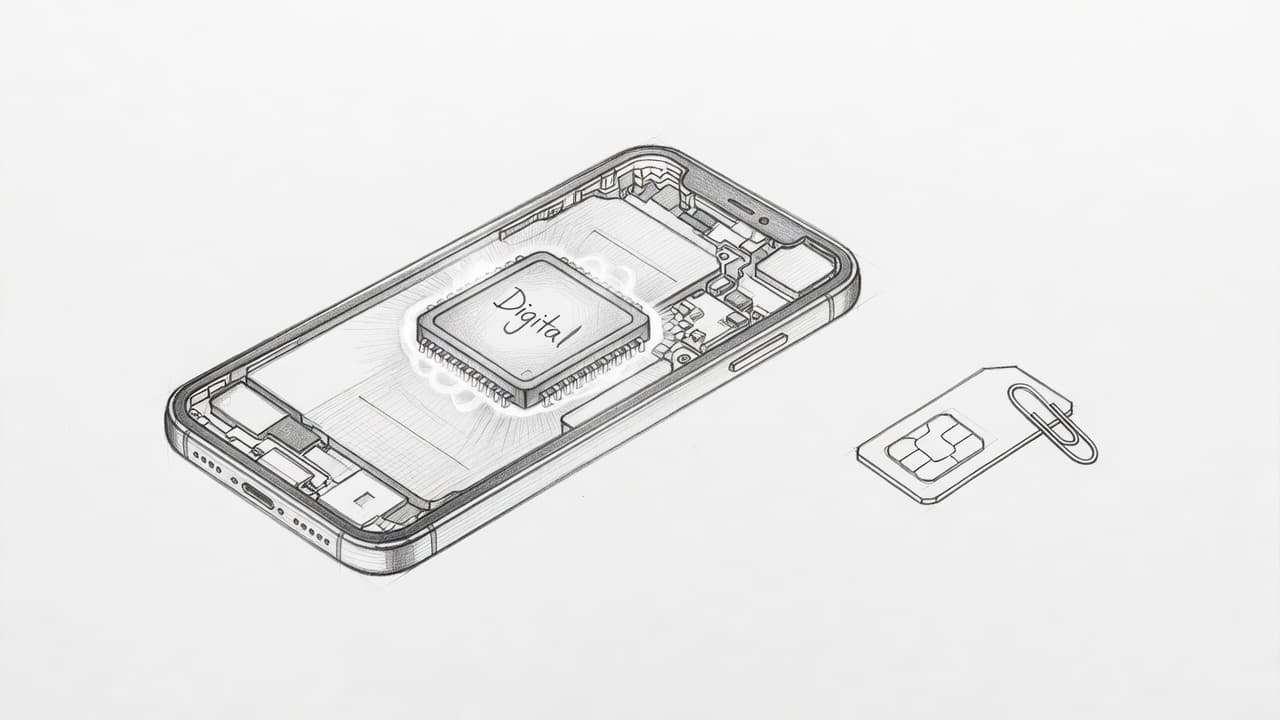
Instead of a removable piece of plastic, your phone has a microscopic chip soldered right onto the motherboard. This tiny piece of tech is officially known as an eUICC, but you can just think of it as a permanent member of your phone’s inner circle. Because it’s a physical part of the logic board, you can’t drop it in the grass or lose it in your junk drawer.
When you use an esim iphone, you’re moving away from physical hardware swaps and moving toward software-based convenience. It is a more efficient way to manage your connection. You can see the full list of eSIM compatible iPhones to see if your device is part of this digital shift.
| Feature | Physical SIM | eSIM |
|---|---|---|
| Material | Plastic & Metal | Silicon Chip |
| Installation | Manual Insert | Digital Download |
| Swapping | Requires a Tool | Software Toggle |
| Location | SIM Tray | Motherboard |
This setup is great for people who hate carrying around paperclips or small metal pins just to change their phone service. Everything stays internal and protected.
The Magic Behind How Your iPhone Connects Digitally
Setting up a digital SIM feels like a bit of wizardry. Instead of waiting for a package in the mail or driving to a store, you’re essentially just downloading a tiny, highly secure file. This file contains all your carrier’s “secret sauce” that tells the network who you are.
Imagine it like having a tiny, invisible robot living inside your phone. When you scan a QR code or use a carrier app, you’re giving that robot a new set of instructions. It takes those instructions, writes them onto the internal chip, and suddenly you have bars. This robot is a master of multitasking too. On modern iPhones, it can remember multiple sets of instructions at once.
Apple has completely leaned into this technology with the latest models. If you have an iPhone 14, 15, or 16, your phone was built specifically for this lifestyle. Apple explains that using eSIM while traveling is actually safer than the old-school way. Since there’s no plastic card to pull out, your service stays linked to your device no matter who is holding it.
If you are ready to ditch the plastic, you can how to activate eSIM on iPhone and see the magic for yourself. It is a faster, cleaner way to stay connected without the physical clutter. There’s no need to fumble with tiny trays when a quick download does the job better.
Is eSIM Safe on iPhone? The Big Security Breakdown
The physical SIM card has been a faithful companion for decades, but it’s also a glaring security hole. When you think about it, carrying your entire cellular identity on a tiny piece of plastic that anyone can pop out with a paperclip is a bit wild. Switching to an esim iphone closes that hole by moving your credentials onto a soldered chip that can’t be touched, tossed, or tampered with by hand.
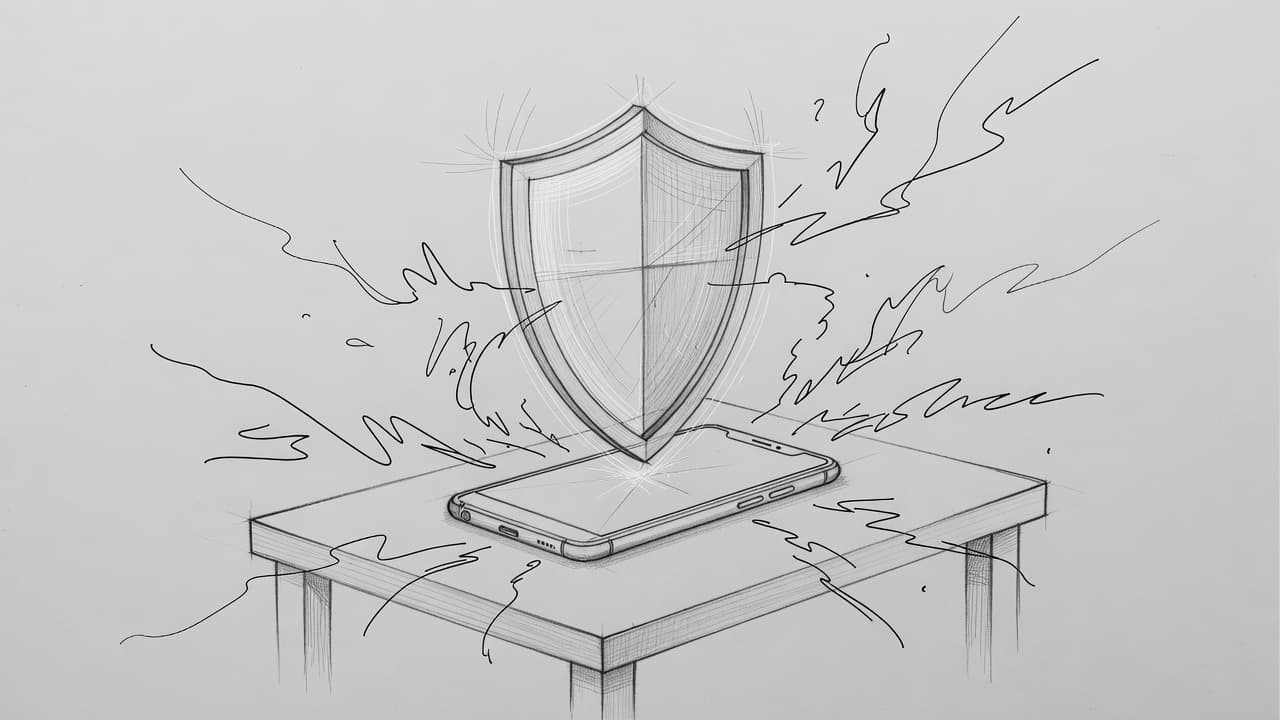
This digital shift provides a layer of armor that physical cards simply can’t match. You’re effectively upgrading from a flimsy padlock to a biometric vault. Here is how this transition changes the game for your mobile privacy and physical device safety.
Say Goodbye to Physical Theft and Card Cloning
Physical SIM cards are surprisingly vulnerable to low-tech hardware attacks. A bad actor with a cheap card reader can clone a traditional SIM in minutes if they get their hands on it. An eSIM, however, utilizes high-level encryption that makes cloning efforts nearly impossible. It acts like a digital fortress protecting your data, whereas a physical card is more like a plastic key sitting under a welcome mat.
Because there is no physical metal contact to scrape or scan, your unique subscriber identity remains shielded within the secure enclave of your iPhone. This setup is a massive win for eSIM safety because it eliminates the risk of someone “borrowing” your card and duplicating your signal.
- Your digital profile is protected by the same security standards as Apple Pay.
- Moving service to a new device requires secure authentication, not just a tray swap.
- Hardware-based encryption ensures your connection is unique to your specific iPhone.
- Remote provisioning prevents hackers from intercepting your credentials in the mail.
If you want to experience this security first-hand, you can get your free esim now and move away from outdated plastic. You’ll realize quickly that your phone feels a lot more personal when its identity can’t be physically stripped away.
Why Your Phone’s Find My Feature Just Got a Superpower
When a thief grabs a phone, their first move is almost always to find a paperclip and ditch the SIM card. They do this because they want to cut the cord to the internet, effectively blinding the “Find My” tracking system. With an eSIM, that trick doesn’t work. Since the chip is part of the motherboard, the thief can’t remove your connection to stop the signal.
This factor is a major safety benefit for travelers who might be exploring unfamiliar cities. If your device goes missing, it stays connected to the network longer, giving you a much better window to track it down. For more on how to manage these digital lines, check out this guide on managing eSIM profiles on your iPhone.
Because the connection is non-removable, your phone continues to broadcast its location as long as it has power. This makes the device much less valuable to thieves, as they can’t easily “hide” the phone from your tracking dashboard. It turns a stolen iPhone into a tracking beacon that stays active until you choose to lock it down.
- The thief cannot disconnect the cellular data without your passcode.
- “Find My” continues to receive GPS updates through the active eSIM.
- Your phone number remains tied to your hardware, preventing its use in other devices.
- You can remotely wipe your data while knowing the device is still online to receive the command.
For those worried about is it safe to use eSIM on a locked iPhone, the security benefits remain the same. Even on a locked device, the non-removable nature of the digital SIM keeps your tracking capabilities intact. This tech ensures that your phone stays yours, even if it leaves your pocket.
The Battle of the SIMs: Digital vs Physical Security
Physical SIM cards are essentially just little pieces of plastic with a tiny metal memory chip inside. They have been the standard for years, but they are also a bit of a security nightmare if someone gets their hands on your phone. A thief can pop that tray open in three seconds, toss your card, and your tracking disappears instantly. With an esim iphone, that physical vulnerability is gone because there is nothing to remove.
The digital approach turns your phone into a hardened safe. While a physical card is like a key you can lose in the couch cushions, an eSIM is a permanent part of the hardware that requires software permission to change. This makes it much harder for someone to mess with your cellular identity without your passcode or Face ID.
Privacy Risks and How to Stay One Step Ahead
Moving to a digital SIM doesn’t mean your carrier is watching you any more than they already were. Your digital footprint remains mostly the same, as the network still sees the same data packets moving through the air. However, because everything is handled via software, you have to be mindful of a different kind of threat known as a SIM swap.
A SIM swap happens when a hacker uses social engineering to trick a carrier employee into moving your number to their device. This is the digital version of a heist, and it’s exactly why you need to be proactive with your settings. Even if you receive OTP codes on eSIM, those codes won’t protect you if a hacker has completely hijacked your phone line.
Most carriers now offer a feature called a Transfer PIN or a Port-Out PIN to stop these unauthorized moves. Think of this as a digital deadbolt that prevents anyone, including you, from moving the number without a secret code. You can set this up through your carrier’s app or website to ensure your esim iphone stays locked to your identity.
- Log into your cellular provider’s official account portal.
- Look for “Security Settings” or “Line Privacy” options.
- Enable a Transfer PIN or “SIM Lock” feature.
- Keep this PIN in a secure password manager, not on a sticky note.
If you are worried about the transition, keep in mind that Apple’s eSIM transfer process includes multiple layers of authentication to prevent these exact scams. It is a much more controlled environment than the wild west of physical plastic cards. If you want to see how easy it is to manage a secure line, you can get your free esim now and start locking down your digital life today.
Travel Safe: Why Global Nomads Love the Invisible Chip
Staying connected while crossing borders used to mean playing a high stakes game of hide and seek with local cellular shops. If you’ve ever landed in a new country at 2:00 AM, you know the desperation of needing a map and a ride. Travelers are ditching the old stress of physical cards because an esim iphone offers a level of personal safety that a piece of plastic just can’t match.
Using digital data means you stay in control of your tech from the moment you leave your front door. You don’t have to wander through unfamiliar transit hubs just to find a signal. Because the plan lives on your device hardware, you keep your home number active for important bank alerts while your travel data handles the heavy lifting of navigation and social media.
Avoiding the ‘Shady Kiosk’ Scam Abroad
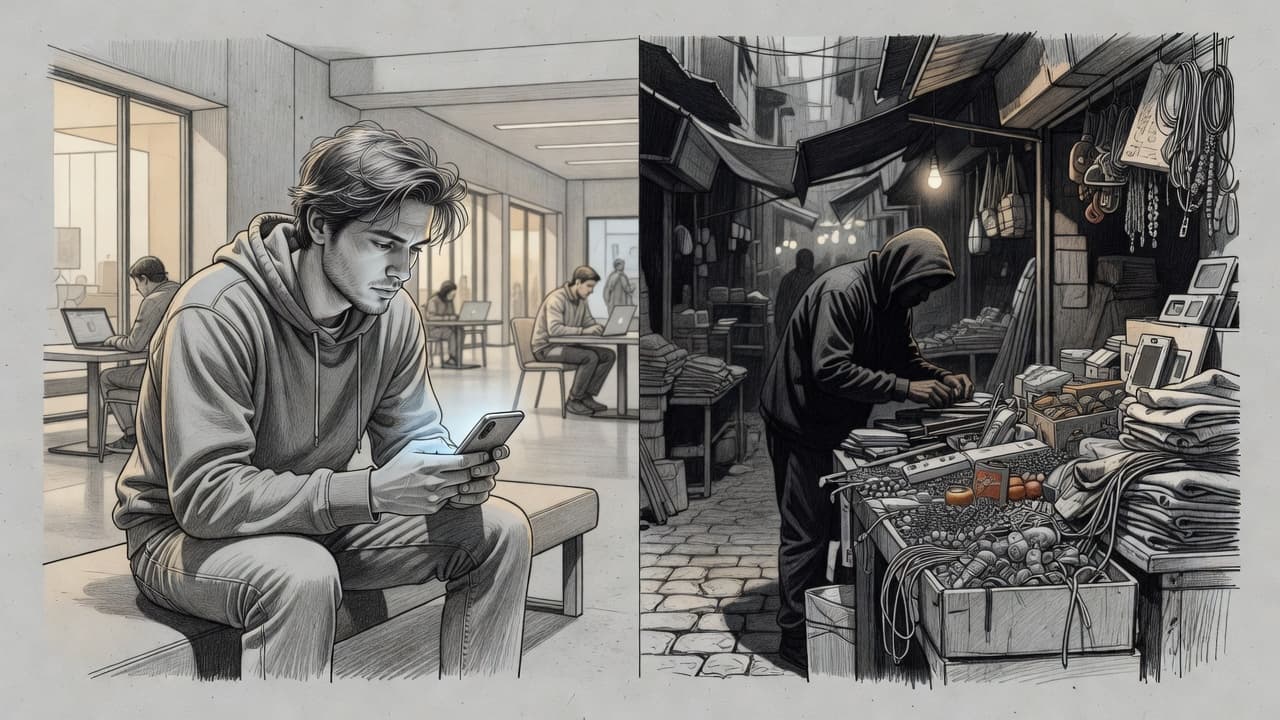
Wandering into a dark alley or a crowded market to find a local SIM vendor is a classic traveler’s gamble. These kiosks often require you to hand over your passport and credit card to a stranger who might be operating out of a shoebox. This opens the door for identity theft or cloned cards that stop working the second you walk away.
When you download a plan from a trusted app, you’re practicing the best form of eSIM privacy. You can compare top eSIMs for Asia travel or European trips while you’re still sitting on your couch. There’s no need to share sensitive documents with a random street vendor when you can pay securely through your phone.
- Your sensitive personal info stays on your device, not in a vendor’s notebook.
- You avoid the risk of a “cloned” physical chip that could track your activity.
- Official apps offer transparent pricing instead of “tourist tax” markups.
- You can get your free esim now and test how simple it is to go digital before your next flight.
By setting up your connection before you land, you arrive with a working map and a secure line. It’s a huge relief to skip the airport kiosks and head straight to your hotel. If you’re new to the process, following a step-by-step Airalo guide for iOS can show you exactly how to bypass the physical SIM struggle.
Staying safe while traveling is about reducing your footprint and keeping your data close. Choosing an digital SIM means one less person has their hands on your hardware or your ID. It’s the ultimate upgrade for any nomad who values their peace of mind as much as their signal.
Busting the Most Common Myths About iPhone eSIMs
New technology always brings out the neighborhood skeptics and the urban legends. Since we can’t see or touch an eSIM, our brains tend to fill in the blanks with wild theories and spooky stories. It reminds me of when people thought microwaves would melt your brain; it sounds scary until you see the actual science.
Before you let a random forum comment psych you out, let’s look at the facts. Many of the supposed esim iphone risks are just creative fiction. Most of these myths come from a simple lack of understanding about how your phone talks to the network.
Will a Digital SIM Turn Your Battery Into a Paperweight?
One of the loudest complaints online is that digital chips are battery vampires. People think because the tech is “always on” or digital, it’s constantly sucking juice. In reality, the chip itself uses the same negligible amount of power as the old plastic version.
The confusion usually starts because people use their new digital line as a second number. Running two active cellular lines means your phone has to chat with two different towers at once. That extra work is what drains your battery, not the nature of the SIM.
If you are only using one active line, your battery life won’t feel a single bit of difference. It’s like having two light bulbs on instead of one; the problem is the second bulb, not how the first one is wired. You can safely get your free esim now and rest easy knowing your battery percentage is safe.
The Tracking Panic and Why Your Location Is Toggled
There is a weird theory that switching to a digital chip makes you a beacon for the government or super-hackers. Some people worry that because you can’t throw the chip in a river, you are constantly tracked. Here is the truth: your carrier already knows your location whenever your phone is on.
Cellular tracking happens because your phone pings the nearest tower to get a signal. This happens whether that signal is triggered by a piece of plastic or a digital profile. Choosing an esim iphone doesn’t change your privacy permissions or give anyone a “backdoor” into your movements.
If you are really worried about privacy, your settings menu is a much bigger deal than your SIM type. You can learn more about debunking other common eSIM security myths to see how these theories stack up. Your digital footprint remains exactly the same as it was before you ditched the plastic.
Can Hackers Jump Through the Air to Get You?
I’ve heard some wild stories about hackers “grabbing” a digital SIM signal while you’re walking down the street. It sounds like a scene from a bad spy movie, but it’s not how the tech works. Your digital profile is wrapped in layers of encryption that are way harder to crack than a physical card.
Criminals are much more likely to try a SIM swap by calling your carrier than by trying to “hack” the air around your phone. The eSIM is actually a vault because it’s soldered to the board. There’s no physical way for a thief to grab your signal without first getting past your FaceID and passcode.
| Myth | Reality |
|---|---|
| Drains Battery | Only happens if you run two lines at once. |
| Easily Hacked | Harder to clone than a physical card. |
| Constant Tracking | Same tracking risk as any cellular device. |
| QR Codes are Unsafe | Use official carrier apps to stay secure. |
Staying safe is mostly about being smart with your logins. Most security trouble comes from easy passwords or social engineering, not from the hardware on your iPhone. For more details on staying safe, check out this complete safety guide for travelers to stay ahead of the curve. Your digital SIM is a tool, not a target.
Pro Tips to Keep Your Digital Connection Locked Down
Switching to a digital SIM is a massive leap forward, but your phone still needs a proper bodyguard. While the hardware itself is harder to tamper with, you are still the captain of your own data ship. You wouldn’t leave your front door unlocked just because you have a fancy alarm system, right? Managing your esim iphone requires a few smart habits to ensure nobody else can hijack your signal or sneak into your accounts.
Keeping your connection tight is about more than just avoiding physical theft; it is about controlling who has digital access to your identity. By layering your defenses, you make your device a very frustrating target for anyone looking to cause trouble.
Hardening Your iPhone Front Door
The easiest way for someone to mess with your cellular settings is by simply picking up your phone while it is unlocked. A strong passcode is your first and best line of defense. If you’re still using “1234” or your birthday, it’s time for a major upgrade to a six-digit code or an alphanumeric password.
You should also ensure your iCloud recovery information is current and accurate. This serves as your emergency parachute if you ever lose access to your device. If your Apple ID is compromised, a hacker could technically try to deactivate your eSIM remotely, so keeping your primary cloud account behind two-factor authentication is non-negotiable.
- Never share your eSIM activation QR code with anyone or post it on social media.
- Use Face ID or Touch ID for every app that offers a biometric lock.
- Store a digital copy of your eSIM “confirmation code” in an encrypted password manager.
- Enable “Find My” immediately to ensure the non-removable SIM acts as a tracking beacon.
If you are just getting started with a new device, you can see how things look during a Google Fi eSIM installation for iPhone to get familiar with the setup flow. Seeing the process helps you realize where the security checkpoints are.
Mastering the Art of Dual SIM Management
One of the coolest things about the esim iphone lifestyle is running two lines at once. You might have a personal line for family and a second travel plan for cheap data. However, if you aren’t careful, you might accidentally use your expensive home data while scrolling through TikTok in a foreign country.
To stay safe, you need to tell your iPhone exactly which line is the boss. You can label your plans with names like “Home” and “Vacation” in the Cellular settings. This prevents any “whoops” moments where you rack up a huge bill on the wrong network.
| Goal | Action Requirement | Result |
|---|---|---|
| Avoid Overages | Turn off “Allow Cellular Data Switching” | Locks data to your chosen plan only |
| Stay Organized | Rename plans in “Cellular Plan Label” | Shows clearly which line is active |
| Protect Primary Line | Toggle off Data Roaming for your home SIM | Prevents accidental roaming fees |
Locking Down Your Carrier Account
While the chip is inside your phone, your phone number actually lives on your carrier’s servers. This is where most modern “hacking” happens through social engineering. To keep your number from being stolen, you should call your carrier and ask for a “Port-Out PIN” or a transfer lock.
This extra layer means that even if someone knows your social security number or address, they cannot move your phone service to a new device without that specific code. It’s like adding a deadbolt to your digital front door. For more advanced tips, you can check out standard eSIM security protocols to see what else you can do.
- Set up a unique PIN for your carrier account that is different from your phone passcode.
- Check your email regularly for “carrier settings updated” or “SIM change” notifications.
- Use an authenticator app for your sensitive accounts instead of relying solely on SMS codes.
- If you notice your signal suddenly disappears for no reason, contact your carrier immediately.
By taking these small steps, you turn your smartphone into a fortress. It is easy to get your free esim now and start experimenting with these features yourself. Once you see how much control you have, you’ll never want to go back to a flimsy plastic card again. Holding the keys to your own digital kingdom feels pretty great.
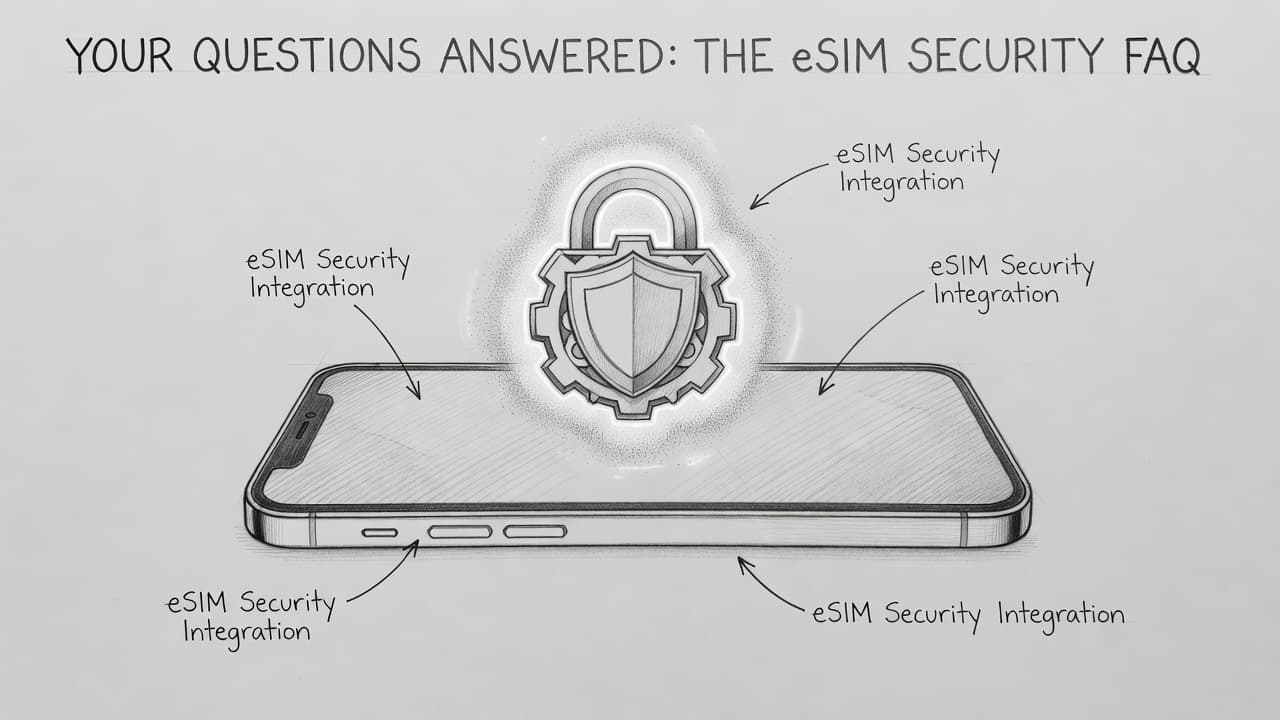
Your Questions Answered: The eSIM Security FAQ
Switching to a digital card feels like moving into a house with invisible locks. It’s high-tech and sleek, but it’s totally normal to wonder how the “unseen” parts actually keep your data safe. Most people have the same few worries about what happens when things go wrong in the real world.
We have rounded up the most common head-scratchers to give you a clear view of the digital landscape. These answers will help you navigate the transition without the technical headache.
Can an eSIM be hacked?
Actually, an eSIM is generally more secure than its plastic ancestor. You can’t just swipe it or clone it with a cheap handheld reader like a traditional card. Most real risks for eSIM security involve someone stealing your Apple ID or tricking your carrier through social engineering.
Hackers aren’t usually breaking into the chip itself because the encryption is incredibly beefy. Instead, they try to trick people into scanning fake QR codes or giving away account passwords. As long as you keep your carrier account locked down, your digital SIM is a very tough nut to crack.
What happens if I lose my iPhone?
If your phone vanishes, the eSIM actually becomes your best friend for tracking. Since a thief can’t pull the SIM out with a paperclip, the device stays connected to the cellular network much longer. This keeps the “Find My” signal active so you can pinpoint where it’s hiding.
You should still jump on a computer and visit Find My on iCloud to mark the device as lost immediately. This locks the hardware and prevents anyone from using your data or seeing your messages. Once you’re ready, your carrier can move your number to a new phone with just a few clicks or a quick phone call.
Can I move my eSIM if the screen is broken?
If your screen is smashed and doesn’t respond to touch, you won’t be able to use the standard “Transfer” button in your settings. This is one of the few times where the digital nature requires a little extra help. You can’t just move a piece of plastic into a new device and call it a day.
However, your carrier can easily fix this by “burning” a new eSIM for your replacement device over the air. You simply contact their support team from a different phone or computer. They will deactivate the old profile and give you a new QR code or push the activation directly to your new iPhone.
What should I do before selling my iPhone?
When it’s time to upgrade, you need to make sure your digital identity doesn’t stay behind with the hardware. Apple makes this simple during the standard factory reset process. When you go to erase your device, you’ll see a specific prompt asking if you want to keep or delete your data plans.
- Navigate to Settings and tap General.
- Choose Transfer or Reset iPhone at the bottom.
- Select Erase All Content and Settings.
- Tap “Erase All & Delete eSIMs” to wipe the chip completely clean.
Choosing this option ensures the next owner starts with a blank slate and can’t access your phone number. It is a quick step that keeps your privacy intact. If you want to see how the setup looks for your next device, you can get your free esim now and start fresh.
| Scenario | Security Reality | Action to Take |
|---|---|---|
| Phone is Stolen | Theft is harder because SIM is non-removable. | Use iCloud to lock device remotely. |
| Account Security | Social engineering is the primary threat. | Enable a carrier Port-Out PIN. |
| Selling the Phone | eSIM can be wiped during factory reset. | Choose “Erase and Delete eSIMs.” |
| International Use | Digital downloads avoid shady kiosks. | Download plans from official apps. |
Your digital SIM is designed to be a set-it-and-forget-it security feature. It handles the heavy lifting in the background so you can just enjoy the bars. Staying safe is mostly about keeping your passwords strong and your software updated.
Conclusion
Ditching plastic for a digital chip is a major win for your peace of mind. Apple is fully behind this shift because it keeps your phone number tied to your hardware, rather than a tiny piece of plastic that a paperclip can hijack. It turns your device into a tracking beacon that a thief can’t easily blind, which is the kind of modern security we all need.
Your iPhone is built to handle this digital transition with ease. Whether you are activating T-Mobile eSIM on supported iPhones or setting up a secondary travel line, the process is fast and surprisingly sturdy. You are moving from a fragile physical key to an encrypted digital vault that lives right on your motherboard.
It is time to embrace the invisible. You can get your free esim now and join the ranks of the digitally secured. Stay safe, stay connected, and let your SIM tray gather dust in the museum of outdated tech where it belongs.
This post may contain affiliate links. If you make a purchase through these links, I may earn a small commission at no extra cost to you.