Ever reached into your pocket at a busy international airport only to realize that tiny physical SIM card is gone? It’s a classic traveler’s nightmare; fumbling with paperclips and chasing down kiosks before you’ve even found a taxi. An esim iphone solves this by ditching the plastic for a digital chip that stays safely inside your device.
The tech works by using a programmable chip soldered directly onto your iPhone’s logic board. Instead of swapping cards, you simply download a profile from the air, which means you can switch carriers or grab local data in seconds. If you’re ready to skip the stress, you can get your free esim now and start testing the waters.
Setting things up is usually as simple as scanning a QR code or using a carrier app. Because your phone can store multiple profiles at once, you can keep your home number active for texts while using a separate data plan for maps and meetings. If you’re holding a newer model, you might want to look into the steps to activate an eSIM on iPhone to see how the process has become even more streamlined.
This digital shift isn’t just a fancy update; it’s a total overhaul of how we stay connected while moving across borders. Let’s look at exactly how this hardware handles your data so you can stop worrying about roaming fees and start enjoying the ride.
What is eSIM Technology? The Digital SIM Explained
Think of your standard SIM card like a physical room key. To get into a different hotel, you need a different piece of plastic. An esim iphone works more like a smart lock with a digital code; you just update the permissions and walk in. This tech is actually a microscopic chip called an eUICC (Embedded Universal Integrated Circuit Card) that lives permanently inside your phone. Because it is soldered directly onto the logic board, you can’t lose it, drop it down a sewer grate, or snap it in half while trying to force a tray open.
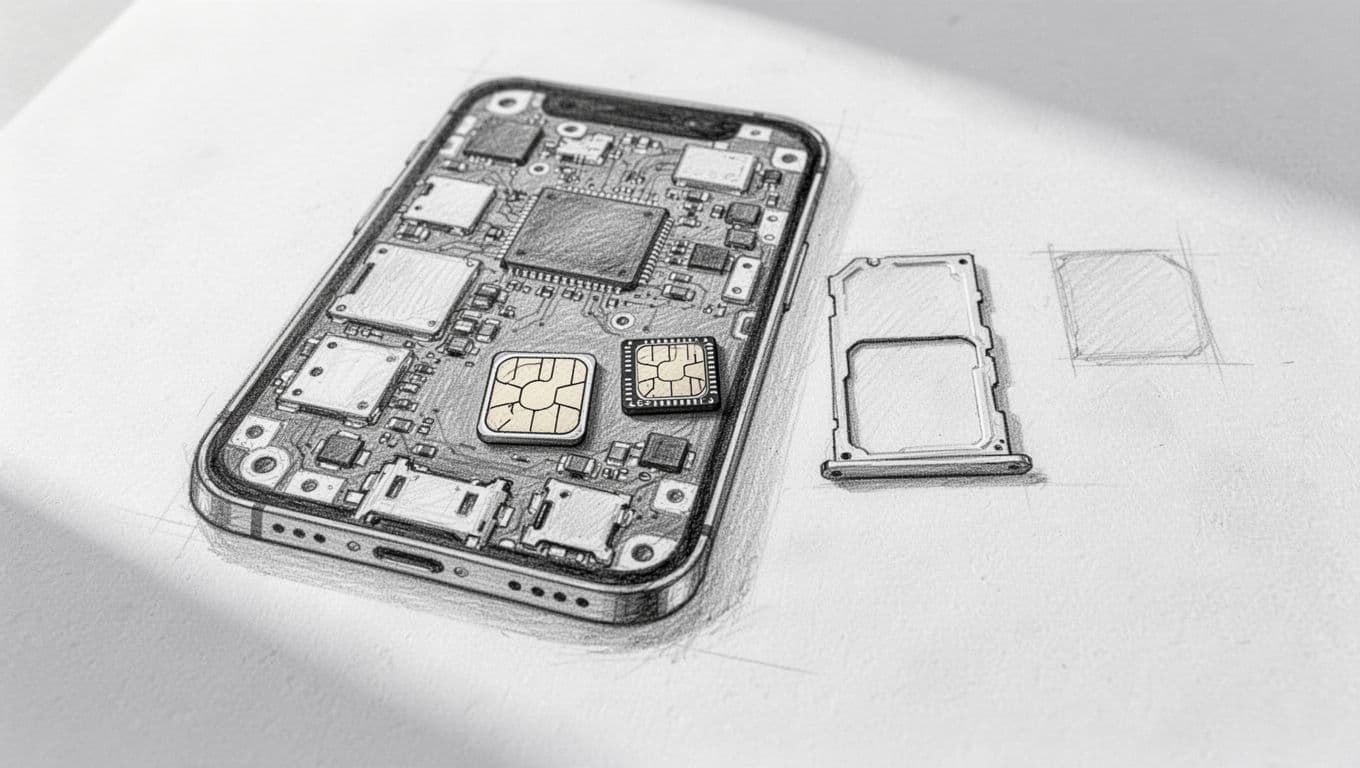
### The Tiny Chip That Does Big Work
The magic behind the esim iphone is that it’s completely programmable. Traditional SIM cards have carrier data hard-coded into the plastic, but an eSIM is a blank slate until you tell it which network to join. This architectural shift means that instead of a mechanical connection, your phone uses software to talk to towers. It’s a sophisticated bit of hardware that stores multiple digital personalities at once.
Since the chip is so small, phone designers have way more room to play with. Removing the bulky plastic tray allows for bigger batteries or better water resistance. If you’re curious about how this compares to your old setup, looking into the benefits of eSIM over physical SIMs highlights how much space is saved under the hood. It’s essentially a permanent resident of your phone’s internal circle that never needs an eviction notice.
Remote Switching and Digital Freedom
The standout feature of this tech is remote provisioning. With a standard card, you’re stuck with whatever is on that piece of plastic until you physically swap it. With an eSIM, you can download a new carrier profile over the air in a matter of seconds. This happens through a secure server called an SM-DP+, which securely sends your specific network credentials right to the chip in your pocket.
This flexibility is a total win for anyone who hates waiting for the mail or visiting a retail store. You can literally sign up for a new plan while sitting on a plane or standing in a coffee shop. If you want to see if your specific device can pull this off, check the iPhone eSIM compatibility list to verify your model is ready for the digital age. Most iPhones from the last few years are fully equipped to handle this handshake.
Hardware Security and Data Safety
Security is a major reason why the industry is pushing toward this digital standard. Physical cards are surprisingly easy to steal or clone if someone gets their hands on your device for even a few minutes. Because your eSIM is physically part of the motherboard, a thief can’t just pop it out to put it in their own phone to bypass your two-factor authentication.
| Feature | Physical SIM | eSIM (eUICC) |
|---|---|---|
| Swapping | Manual tray tool | Digital app/QR code |
| Durability | Prone to wear | Zero mechanical wear |
| Security | Easy to remove | Soldered to board |
| Space | Large internal footprint | Microscopic footprint |
As the table shows, the hardware reliability is significantly higher when you remove moving parts and external slots. There is no gold contact to oxidize and no plastic to warp. For a deeper look at why this is a safer bet for your data, read about the security advantages of eSIM technology to understand the encryption involved. Once you make the jump, the idea of carrying around a little tray tool starts to feel like carrying around a hand-crank for your car. Go ahead and get your free esim now to experience a network connection that doesn’t rely on a piece of plastic.
How eSIM Works on Your iPhone: The Behind-the-Scenes Magic
Getting your phone to talk to a cell tower usually involves a physical handshake between a piece of plastic and a metal reader. With an esim iphone, that entire conversation moves into the invisible realm of software and secure chips. Instead of a mechanical contact point, your device uses a built-in security vault to store and run your cellular identity. This process is remarkably smooth, letting you hop onto a new network without ever touching a tiny metal tray.
The Virtual Handshake Between iPhone and Cell Towers
Inside your device lives a clever piece of software known as the Local Profile Assistant, or LPA. Think of the LPA as the ultimate digital concierge that manages your cellular data.
How the LPA Connects You
When you scan a QR code, the LPA wakes up and reaches out to a remote digital warehouse called an SM-DP+ server. This server is where carriers store your specific data plan info, waiting for your phone to come and claim it.
A Secure Digital Handshake
Instead of a physical chip telling the tower who you are, the LPA initiates a secure digital handshake. It verifies the carrier’s credentials and downloads your unique profile directly onto the internal chip. This exchange is protected by heavy encryption, ensuring your phone number and data stay private. If you ever run into a snag during this process, checking out a guide on troubleshooting eSIM activation errors can help clear up the digital pipes.
The Benefit of Digital-Only Connectivity
This digital-only approach means your phone isn’t limited by physical slots. You can store high-speed travel plans or backup work lines as simple code entries. Because the hardware and software are so tightly integrated, the eSIM iPhone can jump between different tower signals with impressive agility. It is a technical ballet that happens in milliseconds, keeping you connected while you are busy navigating a new city.
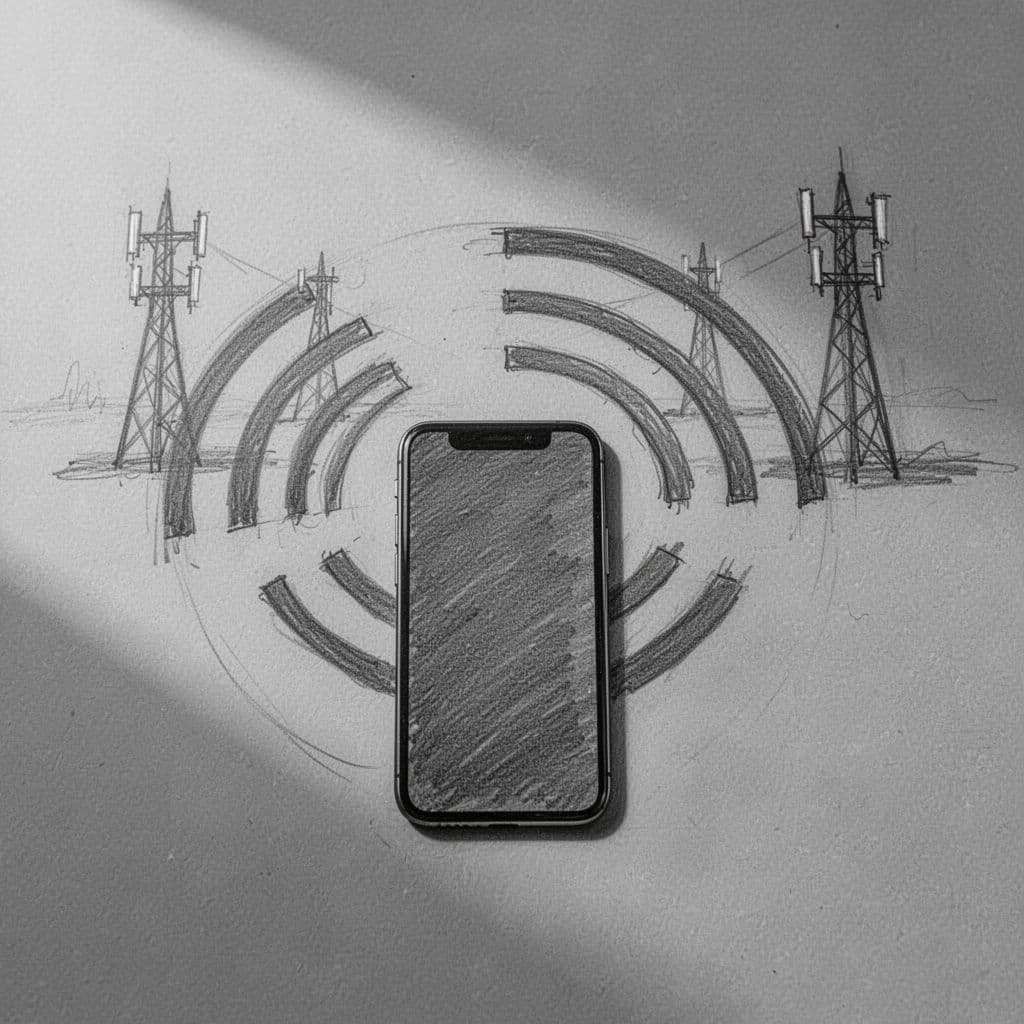
### Dual-SIM Capability: One Phone, Two Worlds
One of the most practical perks of this setup is the ability to run two lines at the same time. This is known as Dual SIM Dual Standby, or DSDS. It means you don’t have to choose between your home life and your travel life; both lines stay active and ready for action. You can keep your primary number available for those important bank alerts or family texts while using a local digital SIM for all your heavy data lifting.
Managing these two worlds is handled directly in your settings menu. You can designate one line for your data and another for your voice calls, or even let the phone switch automatically based on signal strength. For anyone still rocking an older device and wondering if it’s time to upgrade, a step-by-step iPhone eSIM setup guide shows just how easy it is to juggle multiple plans.
Using DSDS effectively usually involves a few simple habits:
- Tagging your lines with clear names like “Travel” or “Personal” to avoid dialing from the wrong number.
- Checking that your data roaming is only turned on for the specific travel line to avoid surprise fees.
- Setting a default line for outgoing calls so you don’t accidentally ring your boss from a temporary burner number.
This flexibility makes the esim iphone a powerhouse for digital nomads and frequent flyers alike. You can get your free esim now and set up a secondary line to see how the dual-line life feels. Once you have both active, you will see two different signal bars in your status bar, giving you a constant visual confirmation that you’re connected to two different worlds at once.
Activating Your eSIM: From QR Codes to Instant Connection
Getting your phone onto a new network used to feel like a high-stakes surgery involving a bent paperclip and a piece of plastic the size of a fingernail. With an esim iphone, that stress evaporates into the digital ether. The activation process is basically a “choose your own adventure” book where every ending involves you getting bars of service in a matter of seconds. Whether you are prepaying for a trip to Tokyo or just tired of your current carrier, you have a few sleek ways to get that digital chip humming.
You can usually pick between scanning a code, tapping a button in an app, or even wirelessly beaming your plan from an old device. If you are starting from scratch and want to see how the software prepares for this, reading through a step-by-step iPhone eSIM setup guide will walk you through the prep work. The hardware is ready; it just needs you to point it in the right direction.
The Simple ‘Scan and Go’ Method
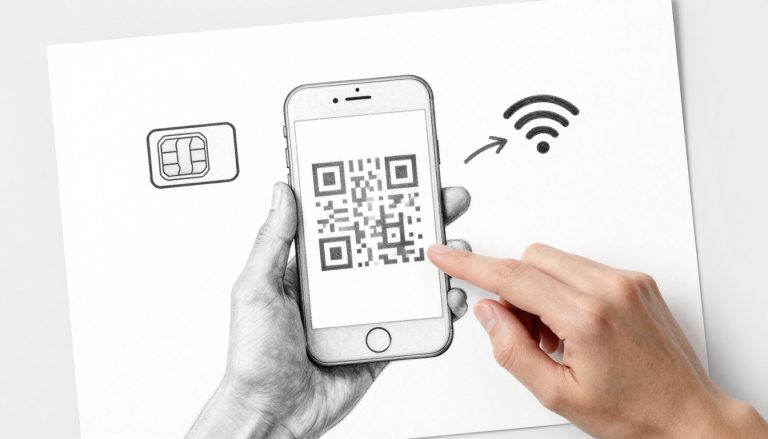
Scanning a QR code is the classic way to wake up your esim iphone. It is the most frequent path for travelers who buy data plans online before they even pack their bags. After you purchase a plan, the provider usually zaps a PDF or an email titled “Your Activation Code” your way. You just open your Settings, tap on the cellular menu, and point your camera at that pixelated square. It is like scanning a menu at a restaurant, but instead of a PDF of appetizers, you get high-speed internet.
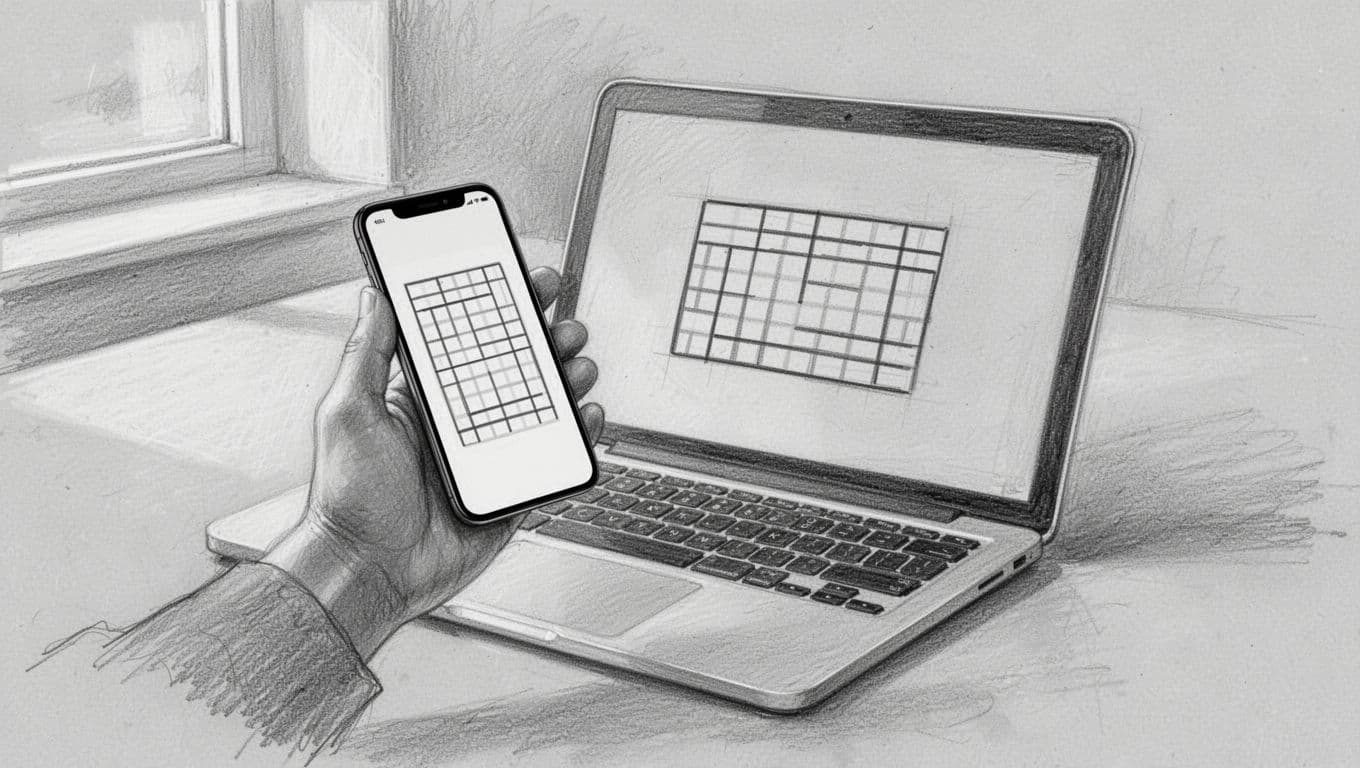
This method is incredibly reliable because it uses a standard protocol called an SM-DP+ address, which tells your phone exactly which digital warehouse to visit to grab your credentials. If you are sitting in an airport lounge with your laptop open, you can simply scan the screen and be connected before your boarding group is called. For those who do not have a second screen handy, you can often save the QR code to your photos and have the phone “read” it internally.
- Open Settings and select Cellular.
- Tap Add eSIM.
- Select Use QR Code and frame the code in the window.
- Follow the prompts to label your new line.
If the camera is being finicky or the lighting is dim, you can always go the manual route. This involves typing in a string of characters provided by your carrier. It takes a few more seconds of thumb-typing, but it gets the job done when the QR code refuses to cooperate. Does your current device support this? You might want to double-check the Verizon eSIM activation instructions to see how major carriers handle this digital handoff for their users.
In-App Provisioning: One Click to Data
If scanning a code feels like too much work, modern travel apps have an even lazier (and better) way. Many digital-first carriers allow you to buy and install a plan without ever leaving their app interface. This is called in-app provisioning. You pick your data package, pay with Apple Pay, and a button appears that says “Install eSIM.” One tap later, your iPhone shows a system notification asking if you want to add the plan.
This method skips the “second screen” problem entirely. Since the app communicates directly with your iOS system, there is no chance of a blurry photo or a mistyped activation code. It is the gold standard for nomadic workers who need to get your free esim now and start a meeting in ten minutes. The app handles the heavy lifting, verifying your identity and pushing the profile to your chip securely.
Reliable digital brands have made this their primary way of doing business. Because it is all handled via software, they can even check if your phone is compatible before you spend a dime. If you are upgrading to a new device, you might even be able to use the Quick Transfer feature, which uses Bluetooth to move your plan from your old iPhone to your new one. It is a digital “passing of the torch” that ensures you stay connected while you move into the latest hardware.
Why Travelers and Outdoor Enthusiasts Prefer eSIM Technology
The days of frantically searching for a paperclip to poke your phone in a foreign airport are finally over. For anyone living out of a suitcase or a rucksack, the eSIM iPhone is basically a Swiss Army knife that doesn’t take up any pocket space.
A Digital Breeze for Explorers
It moves the entire process of getting online from a physical chore to a digital breeze. This is a massive win when you are navigating a new city or exploring a remote mountain trail.
The End of Lost Plastic Cards
Since the hardware is tucked away on your logic board, you never have to worry about tiny plastic cards flying into the grass or getting lost in the carpet of a hotel room. It is built for folks who would rather spend their time looking at the scenery than staring at a “No SIM Card” error message.

### Staying Connected While Camping and Off the Grid
If you’ve ever hiked deep into the woods only to realize your main carrier thinks “rural” means a posh suburb, you know the frustration of a dead zone. An esim iphone acts as your digital backup generator in these scenarios. Because you can have multiple profiles stored on one chip, you can keep a secondary plan from a different provider on standby. If your primary network disappears behind a ridge, you just toggle over to your backup carrier that might have better luck reaching a tower in the middle of nowhere.
This redundancy is a literal lifesaver for outdoor enthusiasts who rely on maps or emergency check-ins. You don’t have to choose a single network and hope for the best; you can carry a “coverage buffet” in your pocket. It’s smart to get your free esim now and keep a low-cost data plan ready for your next weekend in the backcountry. This setup keeps your device sealed tight against dust and moisture since you aren’t constantly opening the tray to swap cards.
Avoiding the Roaming Charge Trap
Nothing ruins the post-vacation glow like opening a cellular bill that costs more than your plane ticket. International travelers often fall into the trap of standard carrier roaming fees because it feels like the “easy” option. Using a local digital SIM on your esim iphone changes the math entirely, often saving you hundreds of dollars on a single trip. You get local rates without the local headache of finding a retail store in a language you don’t speak.
The financial benefits are hard to ignore when you look at the price per gigabyte. Most traditional carriers charge a daily “convenience” fee that adds up faster than a Parisian taxi meter. By using a digital travel plan, you pay for exactly what you need at a fraction of the cost.
| Expense Type | Standard Carrier Roaming | Travel eSIM Plan |
|---|---|---|
| Typical Daily Cost | $10 – $15 | $1 – $3 |
| Data Limits | Often throttled after 500MB | High-speed 5G/4G allotments |
| Surprise Fees | High risk of “bill shock” | Pre-paid and transparent |
| Activation | Automatic (and expensive) | Manual control via app |
As you can see, the savings are significant enough to fund a few extra dinners on your trip. Travelers on platforms like Reddit’s RV living community frequently discuss how these digital profiles are essential for staying connected without going broke. You simply download your destination’s profile before you leave, and the second your wheels touch the tarmac, you’re back in business. It’s a clean, cheap, and clever way to stay linked to the world while you’re busy exploring it.
Common Questions About iPhone eSIMs
Moving away from the plastic cards we have used for decades feels like a big jump. It brings up a lot of “what ifs” and “how does it actually work” moments. If you are sitting there wondering if your phone is safer or if you will lose signal in a national park, you are not alone. These digital chips are designed to make life easier, but a little clarity helps before you make the switch.
Is eSIM Security Better Than Physical SIM Cards?
Security is one of the biggest wins for anyone using an eSIM iPhone. Think of a physical SIM like a house key left under a doormat; anyone who finds it can get in. If a thief grabs your phone, they can pop that little plastic tray open in three seconds, stick your SIM into their own device, and start receiving your private text messages. This is how many people lose access to their bank accounts, as many services send two-factor codes via SMS.
Why Your eSIM Stays Put
Because your eSIM is a permanent part of your phone motherboard, it cannot be physically removed. A thief would have to crack your passcode just to get to the cellular settings, and they cannot simply “swap” your number onto another device. This built-in protection is a massive hurdle for hackers and petty thieves alike.
Advanced Digital Armor: EAL5+ Standards
The hardware itself follows incredibly strict rules called EAL5+ security standards.
A High-Tech Vault for Your Data
Imagine your phone is a school with a high-tech vault for your lunches. While a regular locker might have a simple padlock, EAL5+ is like a vault tested by the smartest locksmiths in the world to ensure no one can sneak a peek at what is inside.
Ultimate Protection for Your Device
It is one of the highest levels of digital armor available for consumer gadgets. For more on these protections, check out how eSIM technology transforms cybersecurity to keep your identity under lock and key.
Debunking the “Digital Tower” Myth
A common myth is that an eSIM iPhone needs a special kind of “digital tower” to work. In reality, the signal you get is exactly the same as if you were using a physical card. The towers do not care whether your identity is stored on a piece of plastic or a soldered chip. As long as there is a signal for your carrier in that remote canyon or snowy mountain pass, your eSIM will find it..

### Does eSIM Work in Remote Areas?
How eSIM Connects to Existing Networks
The connection uses the same radio waves and frequency bands that cell phones have used for years. If a tower is standing there, your phone will perform the same handshake to get you online.
Leveraging Dual-SIM for Better Coverage
In fact, many people find they get better coverage by using the dual-SIM feature to load two different carriers. If one network drops out in the woods, the other might still have a bar or two
If you are planning a trip off the beaten path, here are a few things to keep in mind for your connection:
- Download your eSIM profile before you head into the woods, because you need Wi-Fi or a steady signal for the initial setup.
- Check which local carrier has the most towers in your specific destination to ensure you pick a strong plan.
- Use your settings to toggle between lines if you notice one plan is struggling while the other is strong.
Getting your data sorted early means one less thing to worry about when the road turns to dirt. You can get your free esim now to test your signal strength before your next big adventure. Once you see those signal bars appear, you can be confident that the digital chip is doing the heavy lifting just as well as the old plastic cards ever did. For those looking for more iPhone eSIM privacy best practices, keeping your lines organized is the first step toward a worry-free trip.
Troubleshooting Tips for Your First Travel eSIM
Setting up your esim iphone for a globe-trotting adventure is usually as smooth as a fresh jar of peanut butter, but technology loves a good curveball. You might find yourself standing in a bustling train station with full bars but zero actual internet, which is a special kind of digital torture. Most of these hiccups aren’t because your phone is broken; they are just the result of a tiny setting that needs a gentle nudge.

### Flipping the Right Switches for Success
Troubleshooting Common Connection Issues
The most common reason for a “No Service” message is quite boring. You may have forgotten the secondary toggles. Your iPhone has a “Data Roaming” switch that stays off by default to save money. For a travel profile, you actually want this setting enabled. Go to your cellular settings. Ensure your travel line is toggled to “On” and that Data Roaming is active.
Sometimes, your software just needs a quick nap to recognize a new country. Turn on Airplane Mode for ten seconds and turn it off again. This forces your eSIM iPhone to perform a fresh scan of local towers. If you see “LTE” but nothing loads, try a new approach. You may need to troubleshoot eSIM signal issues. Check if your primary home line is accidentally handling the data instead of your new travel plan.
Manually Directing Your Data Flow
When the automatic setup fails, you have to get a little more hands-on with the network settings. Every carrier uses something called an APN (Access Point Name) to tell your phone how to route its traffic. While most profiles do this automatically, some require you to type it in manually. You can usually edit your APN on your iPhone by going to Cellular Data Network and entering the specific name provided by your eSIM carrier.
- Look for the ‘APN’ field under Cellular Data and LTE Setup; it might be something simple like
internetormobile. - Ensure there are no extra spaces or capital letters unless your provider specifically asked for them.
- Restart your device after saving these settings to make sure the change takes hold.
If you are seeing “PDP Authentication Failure,” it almost always means the APN settings are wrong or your data balance has run dry. Don’t panic; just double-check your receipt or app to see if you need to manually add eSIM to iPhone details again. A quick manual update usually clears the path for the data to start flowing again.
Checking for Sneaky Hardware Blocks
Checking Your Carrier Lock Status
If you have tried every software trick and still have no luck, look at the hardware. A “SIM Locked” status is the ultimate vibe-killer for travel plans. If you bought your iPhone on a payment plan, your carrier may have locked it.
Check this by going to Settings, then General, then About. Look for the “Carrier Lock” status. If it says anything other than “No SIM restrictions,” your travel plan will not work. Your home carrier must release these digital shackles first.
Conclusion
The Future of Global Connectivity
Ditching the physical SIM tray is about gaining freedom to move without borders. An eSIM iPhone turns your device into a true global citizen. It lets you hop between networks while your plane is still taxiing. You can keep your primary number active for essential bank alerts. Meanwhile, you can surf on a local plan that costs less than a fancy coffee.
Built for the Digital Shift
The hardware in your pocket is built for this shift. It keeps your connection secure. Your data flows even when you are miles away from a store. You can manage everything through a simple menu. The days of hunting for a paperclip in a strange city are officially history.
Embrace the Change
Embrace this change and stay connected wherever your path leads. Check your device settings to see if your hardware is ready for a digital upgrade. If you want to see how smooth the process is, get your free eSIM now. Start your next journey with one less thing to worry about.
This post may contain affiliate links. If you make a purchase through these links, I may earn a small commission at no extra cost to you.