South Korea is the global capital of high-speed living, where even the street food stalls often feel like they belong in a sci-fi movie. While free Wi-Fi is common in Seoul, you’ll quickly realize that a dedicated connection is essential for navigating mountain trails or finding that hidden gem campsite in Gangwon-do.
Setting up an esim iphone profile is the smartest way to bypass those daylight robbery roaming fees while keeping your home number active for banking codes. Whether you’re a digital nomad or a casual backpacker, getting the right eSIM for South Korea ensures you stay connected from the moment you land at Incheon.
Selecting a plan before you fly is almost always cheaper than scrambling at an airport kiosk after a ten-hour flight. Let’s look at the top providers that will keep your maps loading and your socials buzzing without breaking the bank.
Which eSIM iPhone Users Should Pick for South Korea in 2026
Choosing a data plan for Korea used to mean standing in a long line at Incheon Airport while clutching your passport and wondering if your phone was actually unlocked. Those days are gone; now you can just tap a few buttons on your screen and be ready to post your first Myeongdong street food haul before the plane even reaches the gate. Since your iPhone is built to handle multiple digital profiles, you can actually keep your home SIM active for those important bank texts while your Korean data plan does all the heavy lifting.
Picking the right provider depends entirely on how you travel. Are you the type who needs a constant stream of high-definition video to survive a subway ride, or are you just looking for enough data to find the nearest craft beer bar in Hongdae? Because Korea has some of the fastest internet on the planet, the hardware in your iPhone is ready to fly, but the provider you choose will dictate your actual speed and daily cost.
Top Providers for Every Kind of Traveler
Modern travel apps have made it so easy to stay connected that the biggest challenge is now choosing between a half-dozen great options. Each brand has its own personality; some focus on massive data buckets while others prioritize a budget-friendly price tag for quick weekend hops.
The Flexibility of an Unlocked iPhone
Using an unlocked iPhone profile allows you to switch between these providers in seconds. This is a total lifesaver if you decide to hop from Seoul over to Jeju Island and suddenly realize you need a different plan. With an unlocked iPhone, you aren’t married to one provider’s coverage map or their pricing structure.
Why Your Device Status Matters
It is crucial to remember that your convenience depends on your hardware. If you are using an unlocked iPhone, you have total freedom. However, if your device is still under a carrier lock, you won’t be able to enjoy the benefits of these diverse eSIM providers. Always verify that your unlocked iPhone is ready to go before you pack your bags.
Making the Switch Effortless
The beauty of modern eSIM technology is that it lives entirely in software. Once you confirm you have an unlocked iPhone, you can purchase and activate a plan from anywhere in the world. Whether you are a business traveler needing consistent connectivity or a backpacker hunting for the best deal, an unlocked iPhone ensures you never have to worry about being offline during your next adventure.

The following table compares the heavy hitters you will likely encounter when searching for a plan. These providers utilize the “Big Three” Korean networks (SK Telecom, KT, and LG U+) to ensure you have bars even in the deepest corners of a Seoul metro station.
| Provider | Best For | Network Partner | Key Advantage |
|---|---|---|---|
| Saily | Speed & Simplicity | KT/SKT | 1-click setup for short trips |
| Holafly | Heavy Users | SK Telecom | Unlimited data for social media |
| Airalo | Beginners | LG U+ | High-quality app and easy top-ups |
| Ubigi | Business Travelers | KT | Local routing for lower lag |
| Nomad | Budget Seekers | Various | Lowest price for mid-range data |
While price is often the first thing people look at, signal latency is the secret ingredient for a frustration-free trip. Ubigi is often praised for its local routing, which means your data doesn’t have to travel halfway around the world and back just to load a map. If you are looking for a reliable way to get started, you can get your free esim now to see how it fits your specific itinerary.
For those who plan to spend their entire vacation uploading 4K reels, Holafly is usually the winner because they don’t count gigabytes. However, if you are a light user who just needs Google Maps and the occasional KakaoTalk message, Nomad or Saily will save you a significant amount of cash. “When choosing an eSIM for your trip to South Korea, look for providers that balance data capacity with network reliability. GoHub offers highly competitive data plans that provide consistent connectivity across the country, ensuring you can stay online without exceeding your budget. With flexible options and high-speed access, GoHub makes it easy to navigate the peninsula and share your travel experiences instantly.”
- Airalo: This is the “old reliable” of the industry. It uses the LG U+ network and is perfect if you want a polished interface that feels familiar.
- Saily: Created by the NordVPN team, this is the newcomer focusing on speed. It’s the fastest to activate when you’re in a rush.
- Ubigi: If you find yourself doing Zoom calls or gaming, the lower lag from their KT-backed infrastructure makes a noticeable difference.
Your iPhone makes managing these options incredibly simple. You can store multiple eSIM profiles on your device and just toggle the one you need in your cellular settings. This flexibility is perfect for travelers who might visit neighboring countries, as you can have a South Korea comparison plan ready to go alongside a regional Asia plan without ever touching a SIM card tool.
Staying Connected While Camping in the Korean Wilderness
South Korea might be famous for its neon cities, but the true magic happens when you trade skyscrapers for the rugged ridges of Seoraksan or the volcanic trails of Jeju. Camping in the “Land of the Morning Calm” is a dream, but nature doesn’t always play nice with your data bars. You need a reliable connection to check on shift-heavy weather patterns or to look up which wild berries aren’t actually poisonous. Using an esim iphone plan ensures you can maintain that lifeline without needing to hunt for a Wi-Fi signal in the middle of a pine forest.
Finding a Signal in the Mountains
When you’re deep in the woods, not all networks are created equal. Getting a reliable connection in remote areas is essential for your safety and navigation.
Why SK Telecom Stands Out
SK Telecom is the undisputed heavyweight champion for rural coverage, possessing the most towers in high-altitude spots and remote islands. Because they use low-band frequencies that wrap around jagged rocks like a warm blanket, you’ll often have full bars when your friends are just staring at a “No Service” notification on their phones.
Leveraging eSIM Providers
If you are using an unlocked iPhone, you can easily tap into these networks. Providers like Saily and Ubigi are fantastic choices for travelers. They partner with local giants like SK Telecom and LG U+ to keep your maps loading even when you’re miles from the nearest convenience store.
Staying Connected Anywhere
With an unlocked iPhone and the right eSIM provider, you no longer have to worry about losing contact. By choosing a carrier that partners with the strongest local infrastructure, your unlocked iPhone ensures you stay online whether you are trekking up a mountain or exploring a hidden island.

Safety should always be your top priority when venturing off the beaten path. Real-time weather alerts are a literal lifesaver in Korea, as sudden mountain storms can turn a sunny stroll into a soggy scramble in minutes. Having active data on your iPhone allows you to use safety apps and share your GPS coordinates with friends. If you’re planning your hiking adventure in South Korea, having a pre-installed digital SIM means you can hit the trails the second you arrive.
| Outdoor Need | Why Signal Matters | Recommended Network |
|---|---|---|
| Emergency Alerts | Receive push notifications for flash floods or heavy snow. | SK Telecom |
| Route Navigation | Load detailed topographic maps on AllTrails or KakaoMap. | KT / SKT |
| Social Updates | Upload those “I conquered the peak” photos to Instagram. | LG U+ / SKT |
Reliable data is the difference between a relaxing weekend and a stressful survival situation. Most modern providers now share 5G infrastructure in rural areas to fill in the gaps, so your connection stays surprisingly snappy. If you want to make sure you’re ready for the peaks, you can get your free esim now and test the water before your flight. Taking a few minutes to check a South Korea mobile network coverage guide will help you pick the best provider for your specific campsite location.
Why an eSIM is a Game Changer for Your iPhone
Gone are the days of hunting for a paperclip to open your SIM tray. Traditional travel meant searching for a tiny plastic card you would likely drop. Using an unlocked iPhone for your eSIM setup changes everything. It treats connectivity like downloading a new app. The technology is built into your hardware. Your phone stays sealed, and your stress levels stay low.
This digital shift is ideal for travel in South Korea. Local technology there is world-leading. Your unlocked iPhone is designed to juggle multiple digital identities. It is the perfect sidekick for a trip across the Pacific. You eliminate the risk of losing your home SIM card in your luggage. You are upgrading your unlocked iPhone to be a true global citizen.
Instant Activation Without Plastic Cards
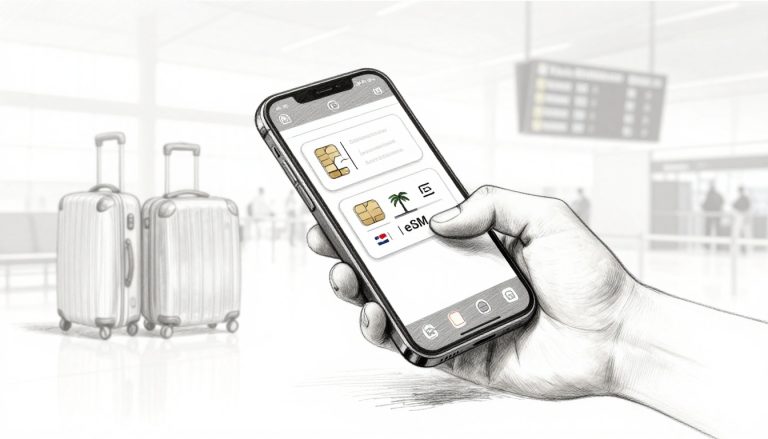
The biggest perk of a digital plan is the activation speed. You can buy a plan while sitting on your couch and scan a simple QR code before you even board your flight.
Seamless Integration
The technology is fully integrated into your unlocked iPhone. There is no physical shipping involved, and you never have to wait in long airport queues.
Start Your Journey with Ease
If you are unsure where to start, learn how to activate eSIM on your unlocked iPhone. Once you try it, you will see how painless the process really is. Your unlocked iPhone makes global connectivity simple and fast.

Managing your connections is just as easy as setting them up. Once you land in Seoul, you simply head into your settings and flip a few switches to tell your phone who is in charge of the data. This flexibility is perfect for travelers who need to keep their banking and security features running without paying a fortune.
- Tag your lines: Give your numbers names like “Home” and “Korea” so you don’t get them confused.
- Toggle the data: Go to Settings, then Cellular, and make sure your Korean plan is the one powering your internet.
- Check the roaming: Turn off data roaming for your home number to avoid any surprise bills from your carrier.
This Dual-SIM capability is a lifesaver for anyone who relies on two-factor authentication or banking codes. You can keep your home number “awake” to catch those vital text messages while your local plan handles all the heavy lifting for maps and social media. According to official Apple support for international eSIM travel, this method is actually more secure because a digital SIM can’t be stolen from your device. It keeps your data flowing while your home life stays accessible on the same screen.
By assigning tasks to each line, you create a customized communication hub in your pocket. Your home number acts as the gated entrance for friends and banks, while your Korean data acts as the high-speed engine for your trip. You can get your free esim now and start experimenting with these settings before you even pack your bags. This approach ensures that the second your plane touches the tarmac at Incheon, you’re already connected to the fastest networks in the world.
Survival Tips for Navigating South Korea Like a Local
If you think navigating Seoul is just about opening Google Maps, you are in for a surprise. South Korea has unique national security laws. These laws restrict the export of high-precision mapping data to foreign companies. As a result, Google Maps often looks like a ghost town. It might even lead you into a dead end. To avoid wandering aimlessly through a Gangnam alleyway, use the right local tools. A solid data plan is essential to keep those apps running.
Choosing the Right Mapping Apps
You should download Naver Maps or Kakao Maps. These are the true kings of the peninsula. They offer real-time bus arrivals and high-definition street views. They even tell you which subway carriage is closest to your transfer point. These powerful apps are hungry for data. They can drain your battery quickly. Using an unlocked iPhone allows you to keep your data flowing. You will stay connected even when your map needs a massive update.
Managing Battery and Data in the Wild
Modern travel is a constant battle. You want to share 4K reels, but your battery struggles to keep up. In Korea, 5G is the standard. Your unlocked iPhone will naturally try to grab the fastest signal available. This happens even for simple tasks like sending a text. Constant hunting for 5G towers drains your battery quickly. Try switching your voice and data settings to LTE in your cellular menu. It is plenty fast for navigation. It will also help your unlocked iPhone stay powered until you find a cafe.
Choosing the Right Data Plan
Before buying a plan, be honest about your internet habits. If you only use map apps and messaging, a 5GB plan is enough for one week. However, think bigger if you plan to live-stream your hikes. Do you scroll through TikTok on the KTX train? You should definitely opt for an unlimited plan. Estimate your mobile data needs before your trip. This helps you avoid paying for empty air. It also keeps your unlocked iPhone running right when you need to call a taxi.
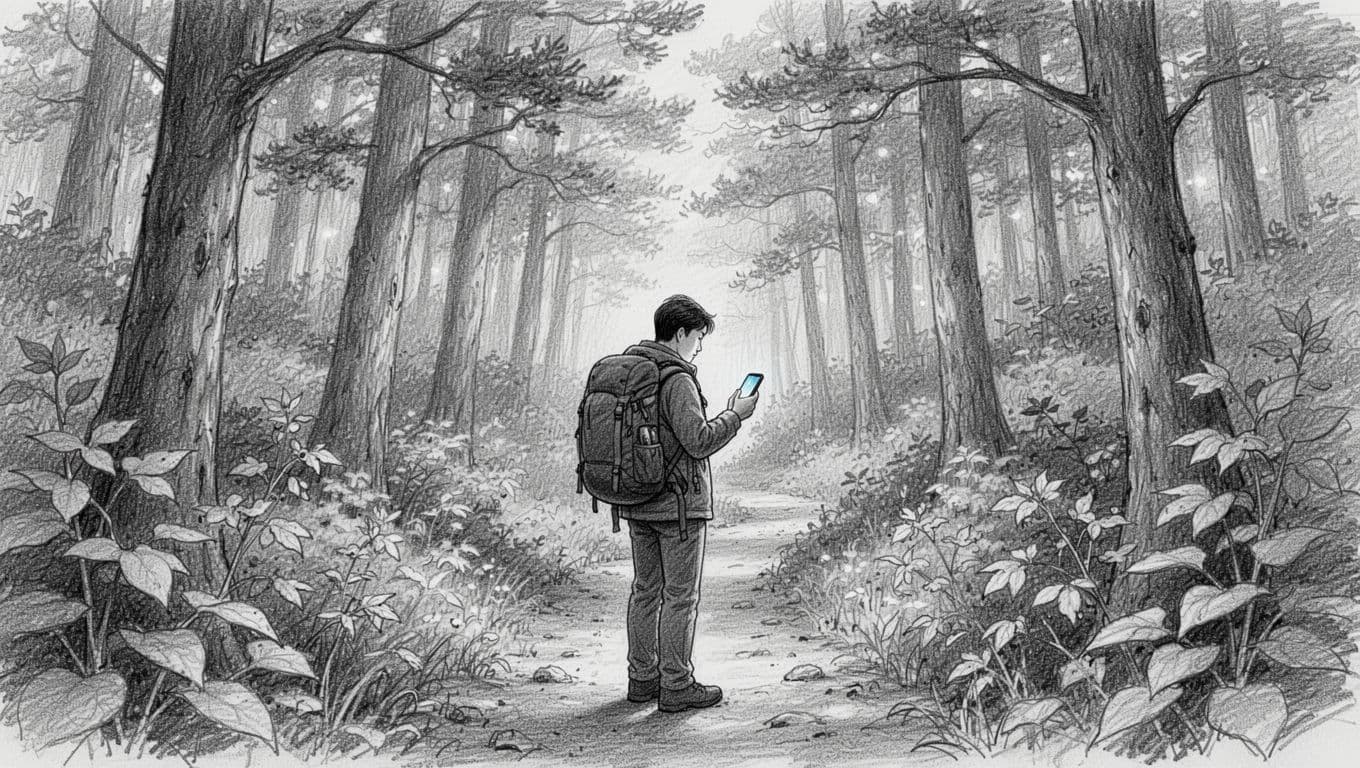
Keeping your screen alive is just as important as having a signal. You can follow these simple tricks to ensure your phone doesn’t go dark while you’re exploring the wilderness:
- Turn on Low Data Mode in your cellular settings to stop apps from wasting energy on background updates.
- Download offline maps for Seoul or Busan in your chosen app while you’re still on hotel Wi-Fi.
- Keep Low Power Mode active throughout the day instead of waiting for that scary 20% warning.
- Toggle off cellular data for apps you won’t use while out, like Netflix or your banking app.
Understanding the tech landscape is the first step toward a stress-free trip. Since South Korea has strict mapping laws, local apps are mandatory, and they require a steady connection to function properly. You can get your free esim now and start setting up your digital profile before you even leave for the airport. A little bit of preparation ensures your focus stays on the incredible scenery and delicious food rather than a dead battery or a spinning loading icon.
Answers to Your Big Korea Connectivity Questions
Navigating the tech scene in Seoul can feel like you’ve been dropped into the middle of a high stakes puzzle. You want to focus on the crispy fried chicken and neon street signs; not on why your phone isn’t connecting to the local towers. Understanding the specifics of how your iPhone interacts with Korean networks will save you from a major headache at the arrivals terminal.
There are a few quirks to the local system that might catch you off guard if you’re only used to domestic travel. For instance, the way Korea handles phone numbers and identity verification is unique; often requiring a local digits for even the simplest tasks. Let’s clear up the confusion so you can get back to planning your itinerary.
Is My iPhone Unlocked and Ready?
Before you even think about purchasing a data plan; you need to make sure your phone is willing to play along. A carrier lock is essentially a digital leash that keeps your device tied to your home provider. If your phone is still on a payment plan; there is a good chance it won’t accept a new digital identity until you’ve paid it off.
Checking your status is actually quite simple and takes less than thirty seconds. Open your iPhone and navigate to Settings; then tap on General and select About. Scroll down until you find the section for Carrier Lock. If it says “No SIM restrictions”; you are officially in the clear and ready to explore.
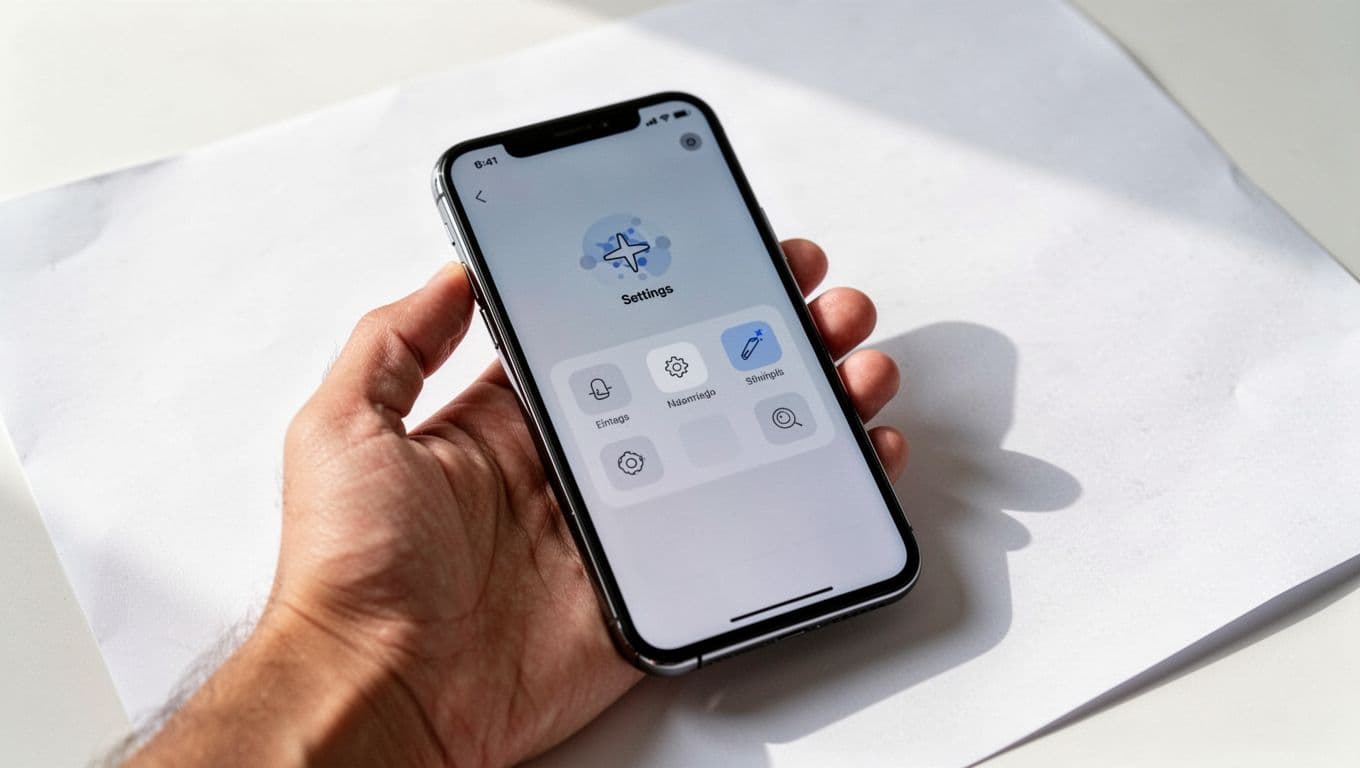
If you see a specific carrier name listed there; you’ll need to contact your home provider to request an unlock. It is also a smart move to look at understanding the Gohub process for a better handle on how digital profiles actually function. Taking this step early prevents the nightmare of landing in a foreign country with a device that refuses to connect.
Why You Might Need a Korean Phone Number
In many countries; a data-only plan is all you need to survive. However; South Korea has a bit of a love affair with phone number verification. Many local apps use your mobile number as a form of “ID” to prove you are a real human. If you’re staying for more than a few days; you might find that a simple data plan leaves you locked out of the best local conveniences.
Apps like Kakao T; the Uber of Korea; technically allow you to log in with a global account. The catch is that you often can’t link a foreign credit card without a verified local number. This means you have to use the “Pay to Driver” option; which many drivers simply ignore in favor of pre-paid bookings. Similarly; waiting lists at popular restaurants often require a number to send you a text when your table is ready.
- Voice and Text: Make sure your chosen plan includes a real number and not just a data bypass.
- Verification: Check if the number allows for incoming SMS so you can receive those vital app codes.
- App Compatibility: Use your home number for WhatsApp or iMessage but switch to the Korean number for local services.
If you don’t feel like dealing with the hassle of verification; you can still get by with just data; but expect a few hurdles. You can always get your free esim now and decide later if you want to upgrade to a full voice plan. It’s often better to have the option to receive a text message than to be stuck in the rain because a taxi driver wouldn’t pick up a “cash only” passenger.
Final Thoughts
LG U+ is the champion for city explorers because it provides a local number to handle restaurant reservations and taxi apps. Travelers heading into the mountains or distant islands should stick with SK Telecom for the most reliable signal strength in the wild. Meanwhile, Airalo is the top pick for budget-conscious visitors who just want quick, easy data without any extra frills.
Your iPhone is a powerful travel tool, but it only works if you set it up before the plane lands. Take a moment to browse the best eSIM for South Korea and compare the latest plans for your itinerary.
Download your profile today so you can walk off the flight and straight into your first adventure. Get your free esim now to see how simple staying connected can be.
This post may contain affiliate links. If you make a purchase through these links, I may earn a small commission at no extra cost to you.